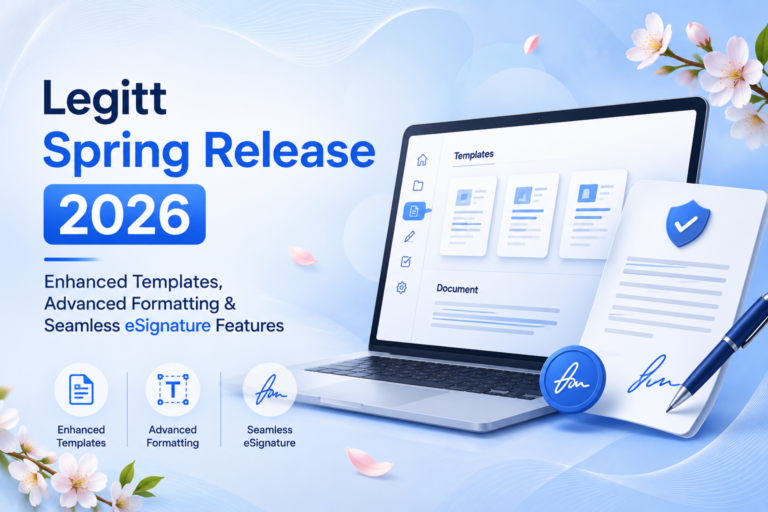
What’s New This Week
We’re excited to announce a series of improvements to the Legitt platform, focused on streamlining your document signing workflow and making template management more intuitive. This week’s release brings significant enhancements to user onboarding, document signing capabilities, and content organization.
Key Features
Streamlined Sign-Up Experience
We’ve completely redesigned the registration process to make getting started faster and more secure. The new sign-up flow features:
- Invisible security with Cloudflare Turnstile (no more visible CAPTCHAs)
- Unified single sign-on supporting Google, Microsoft, Salesforce, and Okta
- Smart OTP auto-submission when you complete all 6 digits
- Clear “Free 14-day trial — no credit card required” messaging
- Helpful “wrong email?” link for easy correction
- OTP code expiry notice to prevent confusion
New users can now start their free trial in seconds without friction or security concerns.
Organized Template Management
Templates now support folder and subfolder structures, giving you complete control over your template library. Organize by:
- Department or team
- Client or project
- Document type or use case
- Any custom hierarchy that works for your organization
Find the right template faster and maintain consistency across your organization.
Adobe eSign Initials Support
Our enhanced Adobe eSign integration now supports initial fields in addition to full signatures. This gives you more flexibility in document workflows where:
- Quick acknowledgment is needed without full signatures
- Multiple approval points require initials
- Compliance requirements call for initial verification
Advanced Text Formatting
The document editor now supports Roman numerals and alphabetical numbering in addition to standard bullets and numbers. Create more sophisticated document formatting for:
- Legal documents with complex hierarchies
- Contracts with multiple sections and subsections
- Procedures and guidelines requiring formal numbering
Persistent Alignment Settings
The alignment ruler for headers and footers now retains your settings when you save documents as templates. No more re-aligning on every use — your formatting stays exactly as you set it.
Improved Content Navigation
The blog post content table has been redesigned for better usability, making it easier to navigate between sections in longer documents and find the information you need quickly.
Resend Signed Documents
Quickly resend completed signed documents to signatories and CC recipients directly from the platform. Perfect for:
- Following up with signers who need a copy
- Notifying stakeholders of completed agreements
- Maintaining audit trails of document distribution
Benefits by User Type
For New Users
Getting started is now faster and more secure. The simplified sign-up process with invisible security checks and clear trial messaging removes barriers to adoption. Start your free trial in seconds.
For Document Managers
Organize templates by folder structure to maintain consistency across your organization and reduce time spent searching for the right template. Better organization means faster document creation.
For Legal & Compliance Teams
Enhanced Adobe eSign support and persistent formatting settings ensure your documents maintain professional appearance and compliance requirements across all uses. Your templates stay consistent, every time.
For Sales & Operations
Resend functionality and improved document navigation streamline follow-up workflows and reduce administrative overhead. Spend less time on manual tasks, more time on business.
Availability
All features are now available to all Legitt users. No additional setup required — start using these improvements immediately in your account.
Ready to experience these improvements? Log in to your Legitt account and explore the new features today. Questions or feedback? Reach out to our support team.