Overview
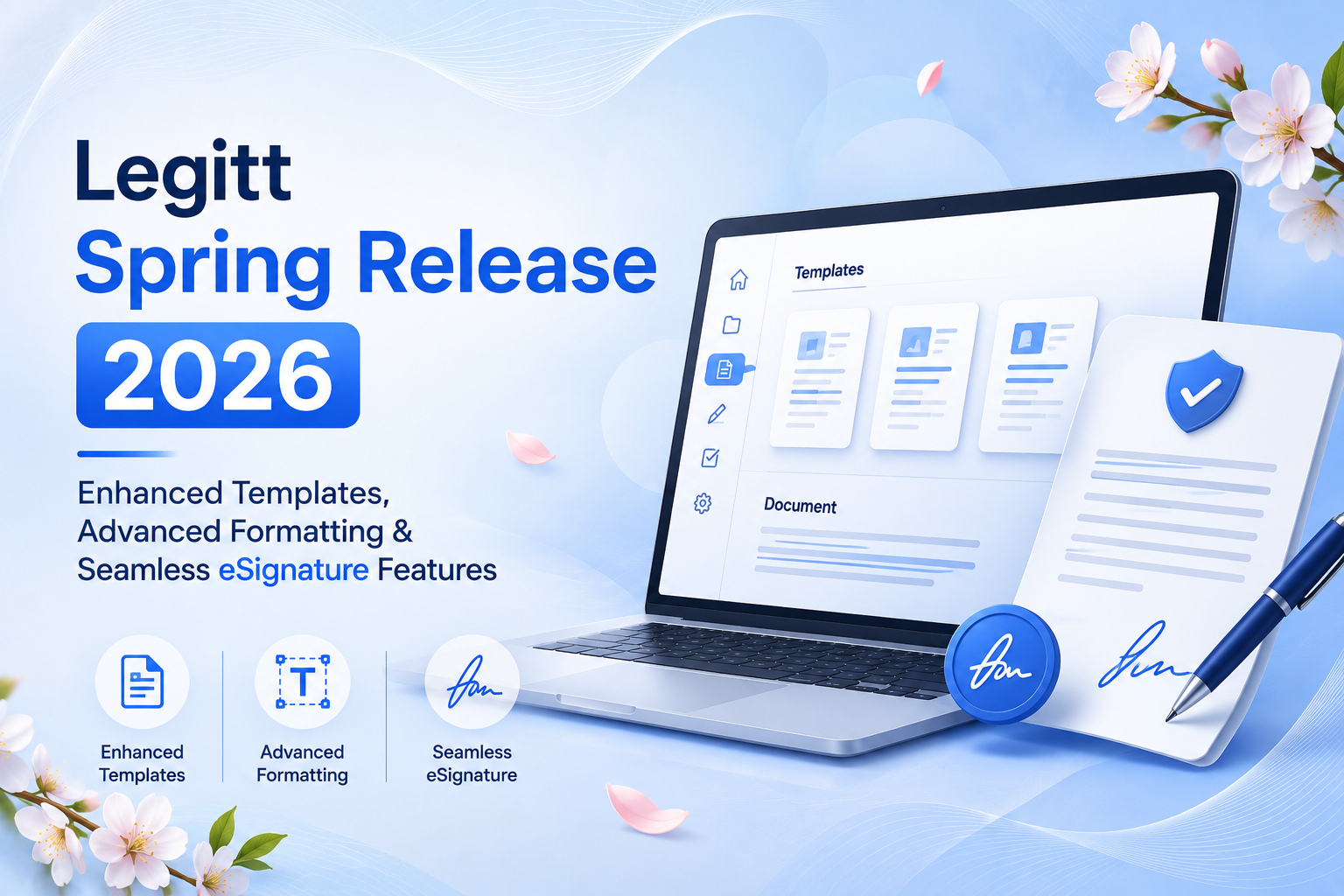
We’re excited to announce our latest spring release, packed with powerful enhancements designed to streamline your document workflows and boost productivity. This release introduces intelligent template organization, advanced document formatting options, and expanded eSignature capabilities—all built with your feedback in mind.
What’s New
This quarter’s release focuses on three core areas: making template management more intuitive, expanding formatting flexibility in your documents, and enhancing our eSignature integration with Adobe Sign. Whether you’re managing hundreds of templates or crafting complex documents, these updates are designed to save you time and reduce friction in your daily workflows.
Key Features
1. Hierarchical Template Organization with Folder & Subfolder Support
Managing templates just got easier. You can now organize your templates using a flexible folder and subfolder structure, making it simple to categorize and locate the right template when you need it. Whether you’re organizing by department, document type, or client, this hierarchical system keeps your template library clean and accessible. No more scrolling through endless lists—find exactly what you need in seconds.
2. Advanced Document Formatting with Multiple Numbering Styles
Your documents deserve professional formatting. We’ve expanded the editor’s formatting capabilities to include Roman numerals and alphabetic numbering in addition to standard bullet points and numeric lists. Create perfectly formatted outlines, legal documents, and structured content with the exact numbering style your documents require. This gives you complete control over how your content is presented.
3. Adobe eSign Integration with Initials Support
Signing documents is now more flexible. Our enhanced Adobe eSign integration now supports initials in addition to full signatures. This is particularly valuable for quick approvals, document acknowledgments, and workflows where initials are preferred or required. Speed up your signing process while maintaining the security and compliance you expect.
4. Resend Signed Copies to All Recipients
Keep everyone in the loop. You can now easily resend signed document copies to all signatories and CC recipients with a single action. Perfect for compliance documentation, audit trails, and ensuring all stakeholders have the final signed version. No more manual forwarding or tracking who has the latest copy.
5. Improved Blog Content Navigation
For content creators and publishers, we’ve redesigned the blog post content table to make navigation seamless. The right-side content table now provides intuitive navigation between sections, making it easier for readers to jump to the information they need and for you to organize longer-form content effectively.
6. Reliable Template Persistence with Alignment Ruler
Your template settings now stick around. We’ve fixed an issue where alignment ruler settings for headers and footers weren’t being retained when templates were saved and reopened. Now, when you carefully align your headers and footers using the alignment ruler and save your template, those settings persist perfectly every time you use the template.
7. Enhanced Bulk Analysis with Duplicate File Handling
Bulk operations are now more robust. Our improved bulk analysis feature now handles duplicate file uploads gracefully, allowing you to process multiple files without worrying about duplicates causing errors or workflow interruptions. This makes batch processing faster and more reliable.
How It Works
Organizing Your Templates
Start by accessing your template library. You’ll now see an option to create folders and subfolders. Simply create your folder structure (for example: “Legal Documents” → “Contracts” → “Employment”), then drag and drop existing templates into the appropriate folders. Your templates are instantly organized and searchable by folder path.
Using Advanced Formatting
When editing a document, open the formatting menu in the editor. You’ll find the expanded numbering options alongside your existing bullet and number list options. Select Roman numerals (I, II, III…), alphabetic numbering (A, B, C… or a, b, c…), or traditional numbers and bullets. Your formatting applies instantly to the selected text.
Adding Initials to eSignatures
When setting up a signature field in a document connected to Adobe Sign, you’ll now see an option to specify whether you want a full signature, initials, or both. Recipients will see the appropriate field type when they sign, making the signing experience faster and more aligned with your workflow requirements.
Resending Signed Documents
After a document has been signed, simply click the “Resend Signed Copy” button. Select whether you want to send to signatories, CC recipients, or both. The system automatically sends the final signed document to all selected recipients with a professional notification.
Benefits
For Document Managers & Administrators
Spend less time hunting for templates and more time on strategic work. The folder structure reduces template management overhead, while reliable template persistence means your carefully crafted templates work consistently every time. Bulk analysis improvements mean fewer errors and faster processing of large document batches.
For Legal & Compliance Teams
Enhanced eSignature capabilities with initials support give you more flexibility in your signing workflows. The ability to resend signed copies automatically ensures complete audit trails and compliance documentation without manual intervention. Template persistence guarantees that your legally-formatted documents maintain their structure across uses.
For Sales & Business Development Teams
Close deals faster with streamlined template access and flexible signing options. Organized templates mean your team spends less time searching and more time selling. The resend functionality ensures all stakeholders have the final signed agreement immediately.
For Content Creators & Publishers
Create better-organized, more professional content with advanced formatting options. The improved blog content navigation makes your long-form content more accessible to readers, improving engagement and user experience.
Availability
All features in this release are available immediately to all Legitt users. No additional setup or configuration is required—simply log in to your account and start using these new capabilities. For organizations with custom configurations, our support team is available to assist with template migration and workflow optimization.
What’s Next
We’re committed to continuously improving your document workflow experience. Your feedback drives our roadmap, so please don’t hesitate to reach out with suggestions, questions, or feature requests. We’re already working on the next set of enhancements and can’t wait to share them with you soon.
Ready to experience these improvements? Log in to your Legitt account today and explore the new features. Questions? Our support team is here to help.