Poor contract management isn't just an administrative problem. Organizations lose an average of 9.2% of annual revenue to poor contract management. That's why the best document management software in 2026 can't be judged on storage alone.
A traditional DMS stores files. A modern platform governs active business documents, especially contracts, across drafting, review, approval, signature, renewal, and obligation tracking. That distinction matters to legal teams, procurement leaders, sales teams, and operations managers because contracts aren't passive records. They're revenue instruments, compliance artifacts, negotiation histories, and risk containers.
This is also why so much “best document management software” content misses the key buying question. As Zapier's review category shows, most roundups still evaluate document tools as generic repositories instead of asking whether the system can support contract workflows such as AI drafting, deviation analysis, or CRM-to-signature automation. For many companies, that's the difference between a filing cabinet and an operating system.
If you're modernizing a records-heavy environment, a classic DMS may be enough. If your business runs on contracts, you need more than organized folders. You need workflow, intelligence, auditability, and fast collaboration across internal and external parties. Teams moving in that direction often start by replacing fragmented handoffs with a modern document controller system that connects control, approvals, and visibility.
The market is moving the same way. The global document management software market is projected at USD 8.8 billion in 2025 and USD 27.2 billion by 2035, reflecting broad enterprise adoption of digital, automated content operations.
1. Legitt AI
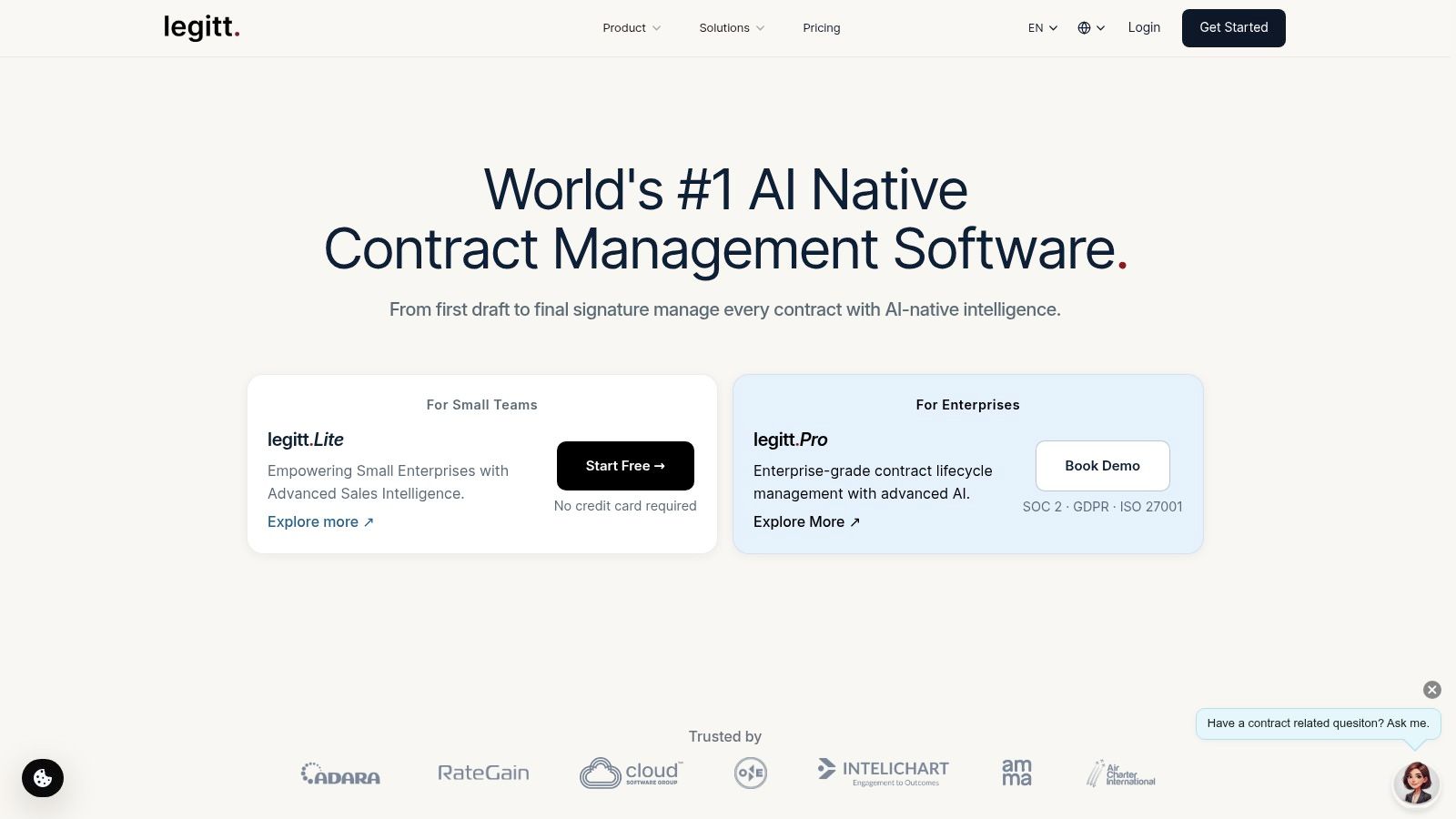
Legitt AI stands out because it starts where many DMS tools stop. It treats contracts as live workflows, not static documents. For legal, procurement, sales, and finance teams, that means drafting, negotiation, eSignature, repository management, and post-signature intelligence live in one workspace instead of being split across disconnected apps.
Its strongest advantage is architectural. Instead of bolting AI onto storage, Legitt AI is built around contract lifecycle management from the start. That matters when teams need plain-English drafting, structured redlines, approvals, execution, and renewal monitoring to happen without copy-paste handoffs.
Where it fits best
Legitt AI is the strongest fit for organizations that manage high volumes of customer, vendor, partner, employment, or procurement contracts and want one system to control the full lifecycle. It's especially relevant when sales ops, legal ops, and procurement all touch the same agreement before signature.
The product supports AI-powered contract drafting from plain-English prompts using a large template library, then carries that contract through role-based review and eSign. Post-signature, the repository remains active. Teams can search versions, amendments, obligations, and renewal milestones without exporting data to another system.
Practical rule: If your team creates a contract in one tool, negotiates it in email, signs it in another platform, and tracks renewals in spreadsheets, you don't have document management. You have workflow fragmentation.
Why it's more than a DMS
Legitt AI bridges the DMS-to-CLM gap better than most platforms in this list. It includes clause extraction, deviation analysis on third-party paper, obligation tracking, renewal alerts, and repository-wide intelligence through AI agents and its Lana assistant. That turns the repository into a decision layer for legal operations and revenue operations.
The integration footprint is also important. Connections with Salesforce, HubSpot, Microsoft Dynamics 365, Microsoft 365, Slack, Zapier, and REST APIs reduce manual movement from CRM to contract generation to signature and storage. If you're planning longer-term legal operations modernization, Legitt AI's perspective on how AI will transform enterprise contract management by 2030 is useful context.
Pros and trade-offs
- Best for end-to-end CLM: Draft, negotiate, approve, eSign, store, and analyze contracts in one system.
- Strong contract intelligence: AI supports clause extraction, risk review, deviation analysis, renewal alerts, and repository insights.
- Workflow depth: Role-based routing, collaboration controls, and version visibility support real enterprise approval chains.
- Integration strength: CRM, productivity, and automation integrations reduce handoffs that slow revenue teams.
The main trade-off is buying complexity. Public line-item pricing isn't published, so budget-sensitive teams will need a demo-based evaluation. Enterprise-grade workflows and integrations also mean onboarding takes planning, especially if you want custom approvals or system-specific automation.
2. Microsoft SharePoint
Microsoft SharePoint remains one of the safest choices when your company already runs on Microsoft 365. Its value isn't novelty. It's operational familiarity. Teams already working in Word, Outlook, Teams, and OneDrive can extend those habits into a centralized document layer with version history, permissions, retention, and workflow.
That makes SharePoint a strong enterprise document management platform, but not automatically a strong contract system. It can hold contracts well. It won't, by itself, provide the full CLM experience that legal and procurement teams often need for drafting, negotiation intelligence, or obligation tracking.
Best use case
SharePoint works best as a broad internal content hub across departments. HR policies, finance files, project documentation, standard operating procedures, and executed agreements all fit naturally. For many organizations, that breadth is the point.
If your contract process is already centered on Microsoft systems, the bigger question is whether you want to add contract-specific intelligence on top of SharePoint rather than replace your wider document environment. Companies exploring that path often look at Microsoft Dynamics contract management with Legitt AI because Dynamics users usually need tighter CRM-to-contract continuity than SharePoint alone provides.
Trade-offs to understand
SharePoint's strengths are scale, permissions, and Microsoft-native collaboration. Its weaknesses usually show up in governance. Without disciplined information architecture, document libraries multiply, metadata gets inconsistent, and external sharing becomes harder to administer than teams expect.
- Strong Microsoft alignment: Best when users already live in Teams, Outlook, and Office apps.
- Enterprise controls: Permissions, retention policies, audit logs, and lifecycle rules are mature.
- Flexible automation: Power Automate and Lists expand what teams can do beyond file storage.
SharePoint is excellent at enterprise document control. It usually needs companion tooling when contracts require legal review workflows, clause intelligence, or renewal management.
3. Box Content Cloud
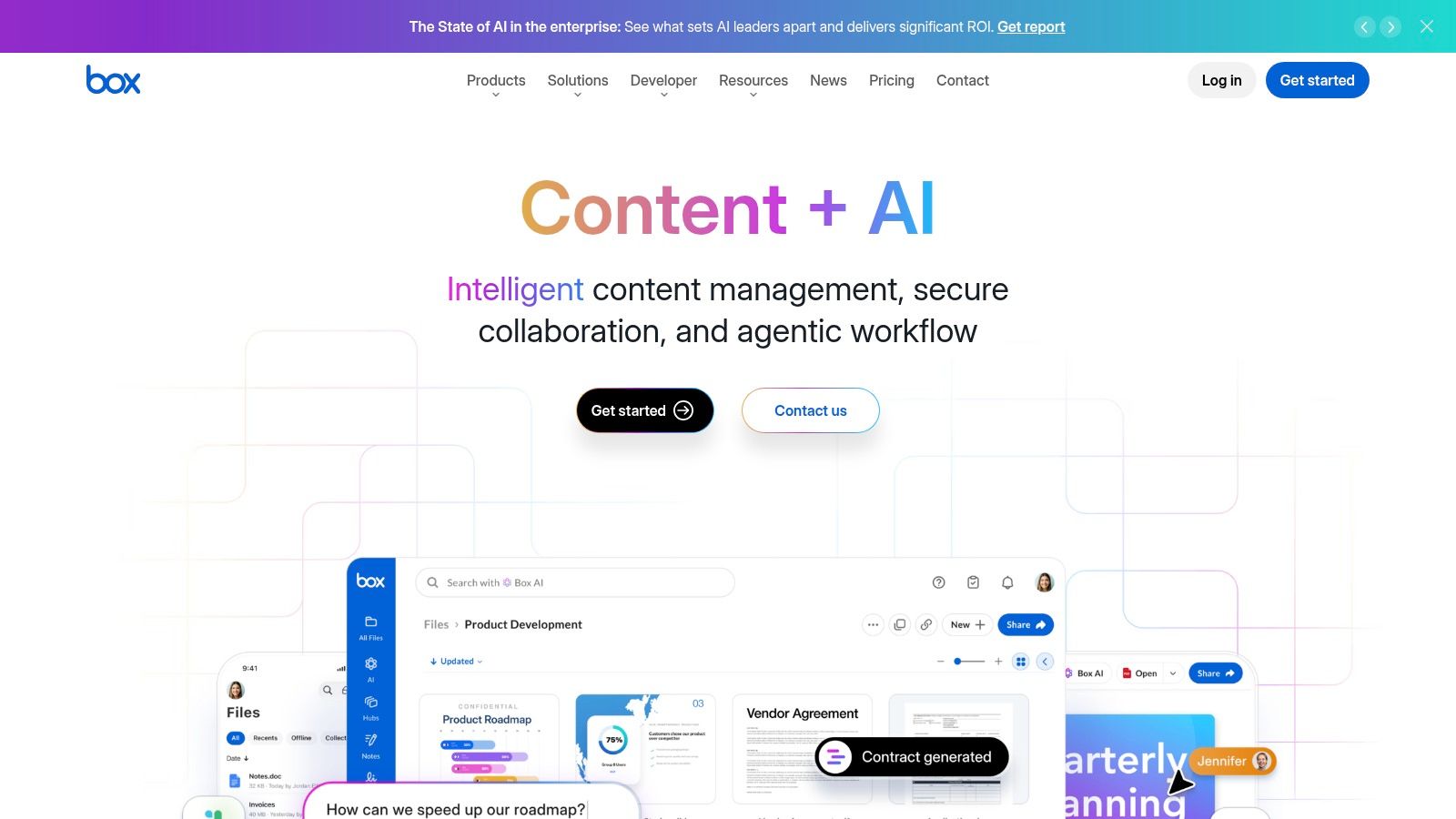
Box Content Cloud is one of the clearest examples of how document management has evolved from storage into governed collaboration. It's especially strong for businesses that exchange sensitive files with external parties and need security, auditability, and simpler sharing than legacy enterprise content systems often provide.
Box is also commercially significant. According to Mordor Intelligence's market analysis, the top five vendors in the sector collectively control about 45% of global revenue, while Box and Adobe still hold notable positions. That tells you two things. First, this market is consolidated around trusted enterprise names. Second, Box has remained relevant by specializing in secure content collaboration rather than trying to mimic every legacy ECM pattern.
Where Box performs well
Box is a strong fit for regulated industries, client-facing teams, and companies with heavy cross-company collaboration. Box Sign adds built-in eSignature, and the broader platform supports governance, external portals, and integrations across Microsoft 365, Google Workspace, Slack, and more.
This makes Box better than many storage-first tools for handling approved contracts and collaboration-heavy deal documents. If you're comparing Box against purpose-built CLM tools, the key issue is whether your contract workflow ends at secure storage and signature, or whether you also need drafting automation, obligation extraction, and legal negotiation support. Teams thinking through that distinction may find this perspective on cloud contract management useful.
Where it falls short
Box can support parts of the contract lifecycle, but it is not primarily a contract intelligence platform. For sales, legal, and procurement teams, that means workflows may still depend on external systems for redlining standards, clause analysis, or approval orchestration.
- Strong external collaboration: Mature sharing controls, watermarking, and governed access.
- Security-led design: Good fit for organizations that evaluate vendors heavily on compliance posture.
- Useful built-ins: Box Sign reduces the need for a separate signature point solution in many workflows.
The trade-off is that advanced compliance and AI capabilities may sit behind higher tiers, and smaller teams may find the admin model heavier than simpler tools.
4. Google Drive
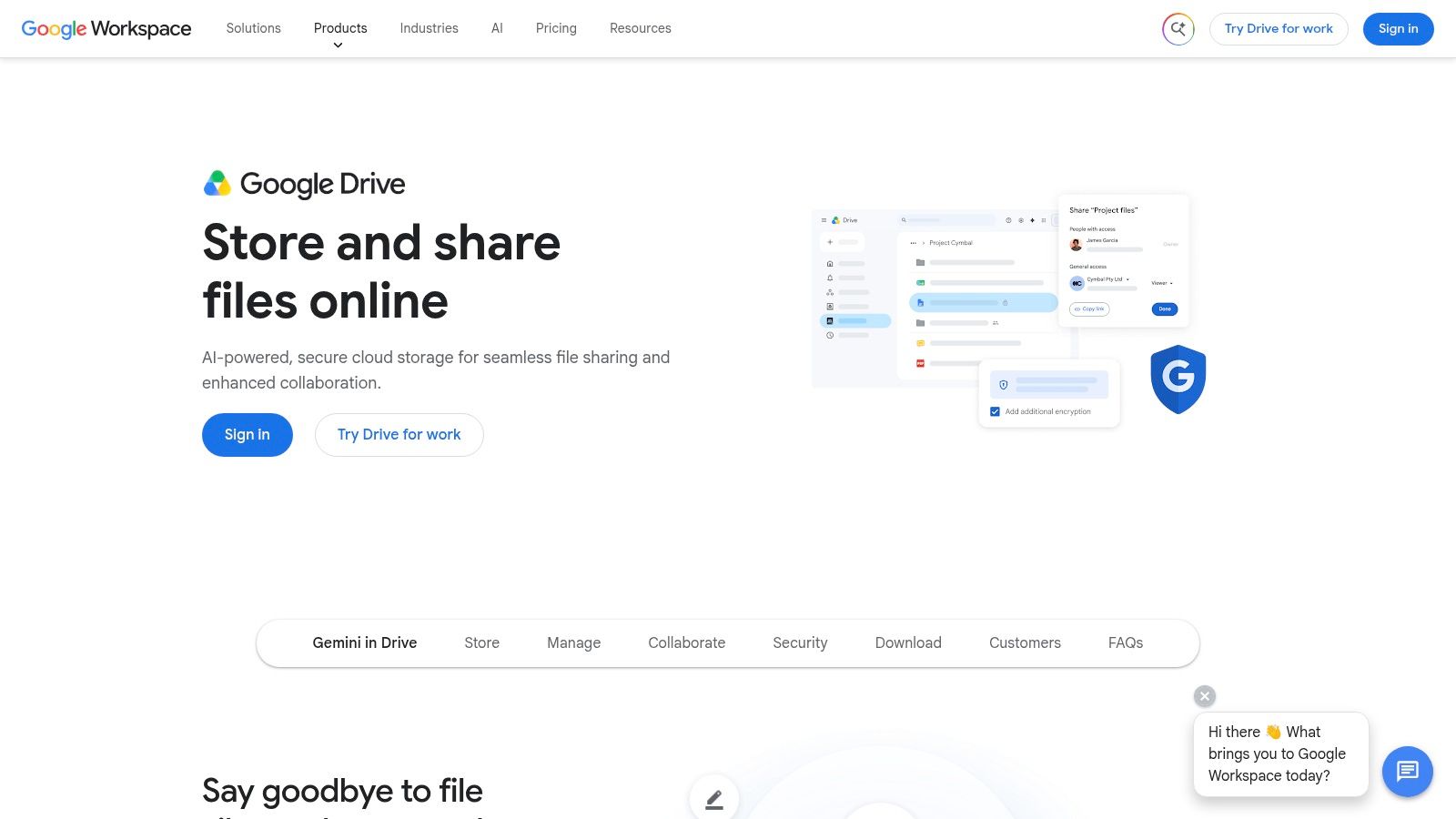
Google Drive is the most collaboration-native option on this list. It's fast to adopt, easy to search, and familiar to almost any knowledge worker. For startups, distributed teams, and companies standardized on Google Workspace, that simplicity is a real operational advantage.
Its role in document management is different from SharePoint or Box. Drive emphasizes speed, live editing, and broad accessibility over deep records governance. That makes it a good general-purpose content layer, but not usually the final answer for high-risk contract operations.
Best for collaborative teams
Google Drive shines when documents are created and revised by multiple teams in real time. Shared drives, granular permissions, and searchable history support everyday work without much formal training. For many organizations, that low-friction experience improves compliance indirectly because people use the system.
Google's ecosystem also helps businesses that want contracts to move quickly between drafting, comments, and final approval. But if your process requires signing controls and formal execution, you'll likely need adjacent tooling. Teams working heavily in Workspace often evaluate workflows for how to sign a Google document before deciding whether to add dedicated CLM or eSignature software. There's also a helpful overview of broader workflow context in Tooling Studio's productivity analysis.
The contract workflow limitation
Drive is excellent for storing contracts and collaborating on drafts. It's weaker when legal teams need structured fallback clauses, deviation analysis, approval routing, or repository-level obligation visibility.
- Best user experience: Low learning curve and strong real-time collaboration.
- Strong search: Users typically find content quickly without rigid folder discipline.
- Good ecosystem fit: Works well for companies already committed to Workspace.
The trade-off is governance depth. Some enterprise controls are less granular than dedicated ECM platforms, and AI features depend on eligible Google plans.
5. Dropbox Business
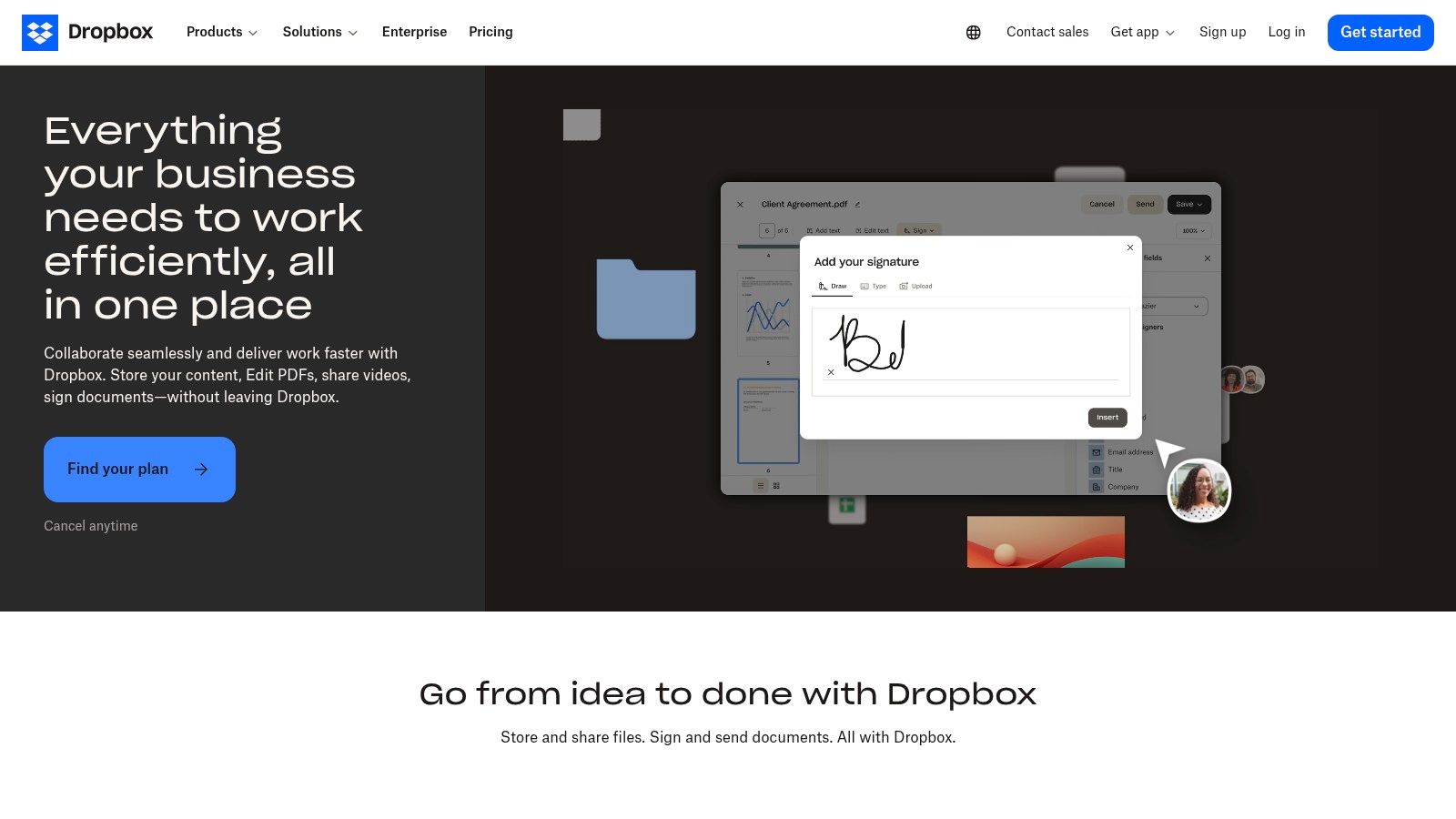
Dropbox Business remains relevant because it solves a practical problem well. People know how to use it. In document management, ease of use still matters because systems fail when teams avoid them.
Dropbox is best for organizations that want fast file sync, dependable cross-device access, and light collaboration without the governance overhead of larger enterprise platforms. Teams can organize shared folders, manage access, recover earlier versions, and handle everyday PDFs with much less setup than a traditional ECM deployment.
A pragmatic fit for operating teams
Creative teams, field teams, agencies, and SMBs often prefer Dropbox because desktop sync is predictable and adoption friction is low. Newer features such as content review and PDF editing make it more useful than a simple storage product.
That said, Dropbox usually isn't the best document management software for contract-heavy legal operations. It handles executed agreements and routine collaboration well, but it doesn't natively provide the workflow depth that in-house counsel or procurement leaders often need for approvals, clause control, and obligations tracking.
Choose Dropbox when user adoption is your top risk. Choose something more structured when compliance, records discipline, or contract intelligence is the bigger risk.
Where it lands in a shortlist
Dropbox should make the shortlist when your company values simplicity over formal governance and already relies on shared files more than workflow automation. It's often a better fit than heavier platforms for smaller teams moving off email attachments and unmanaged local folders.
- Low training burden: Most users can adopt it quickly.
- Strong sync experience: Reliable cross-device file access remains a major strength.
- Useful native tools: Everyday PDF work and external file sharing are straightforward.
The limitation is strategic depth. Governance, reporting, and compliance controls aren't as extensive as Box or SharePoint, especially for more regulated environments.
6. Egnyte
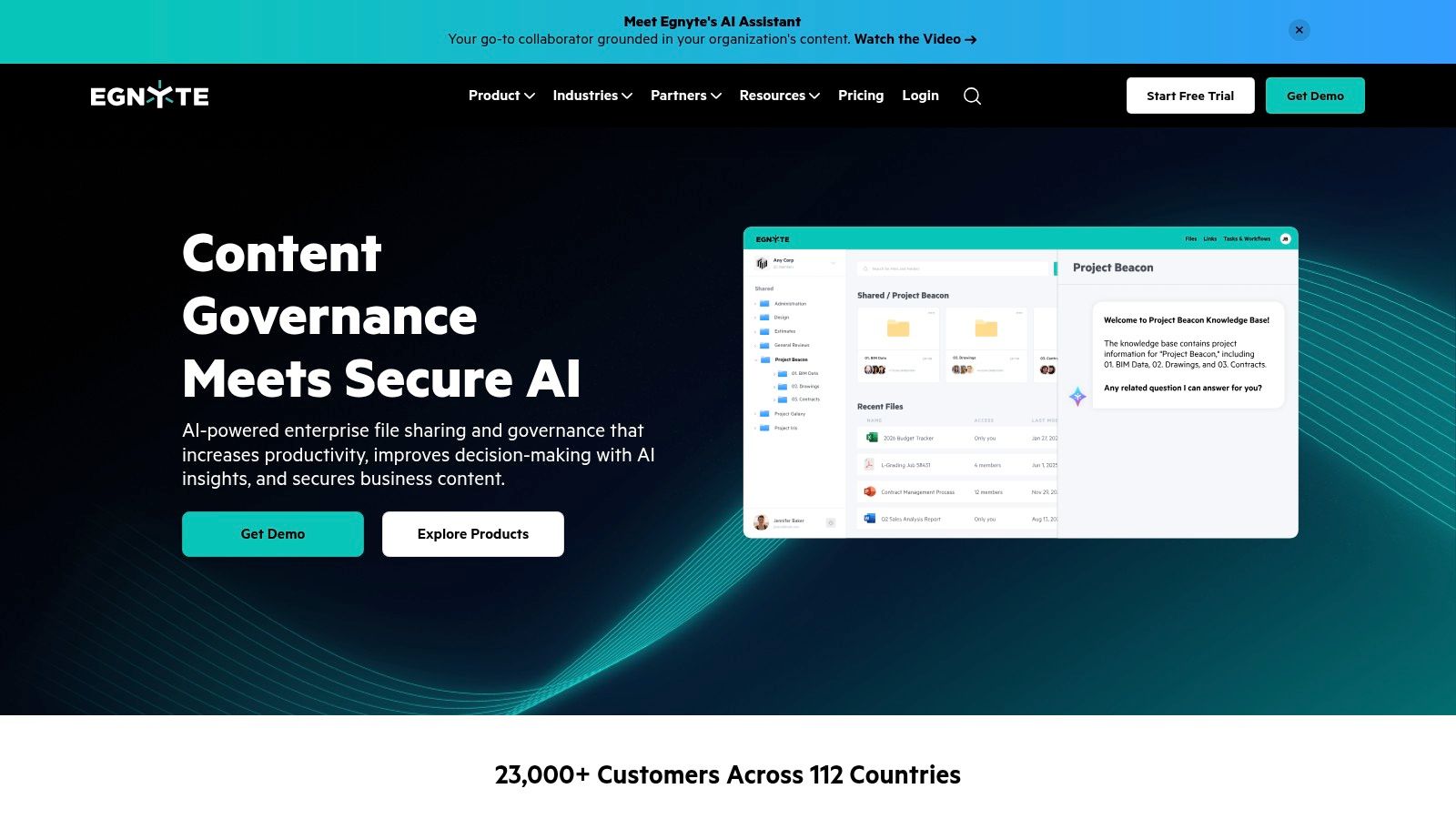
Egnyte sits in a useful middle ground between easy collaboration and serious governance. It's often chosen by mid-market enterprises and regulated teams that need secure sharing, policy control, and hybrid access without building a complex content architecture from scratch.
That balance is what makes Egnyte interesting. It isn't trying to be a legal CLM platform, but it does more for governance and data protection than simpler file-sync products.
Security and control first
Egnyte's value shows up when organizations need visibility into how content is accessed, shared, and classified. Features around anomaly detection, ransomware response, watermarking, and governed sharing help companies that can't rely on trust alone.
This matters in industries where engineering files, regulated records, or external project documents move constantly between internal teams and outside stakeholders. For those organizations, Egnyte offers stronger oversight than consumer-influenced collaboration tools while staying more approachable than heavyweight ECM systems.
The contract use case
Egnyte can hold executed contracts, support secure data rooms, and enforce access controls effectively. But if your legal team needs AI contract review, approval logic tied to fallback clauses, or post-signature obligation tracking, you'll still need specialized CLM capability elsewhere.
- Strong governance layer: Better control than lighter collaboration platforms.
- Hybrid flexibility: Helpful for distributed teams and large-file environments.
- Practical security features: Useful for businesses that need monitored external sharing.
The trade-off is packaging complexity. Some advanced functionality is sold separately, and hybrid deployments need careful planning if performance across locations matters.
7. M-Files
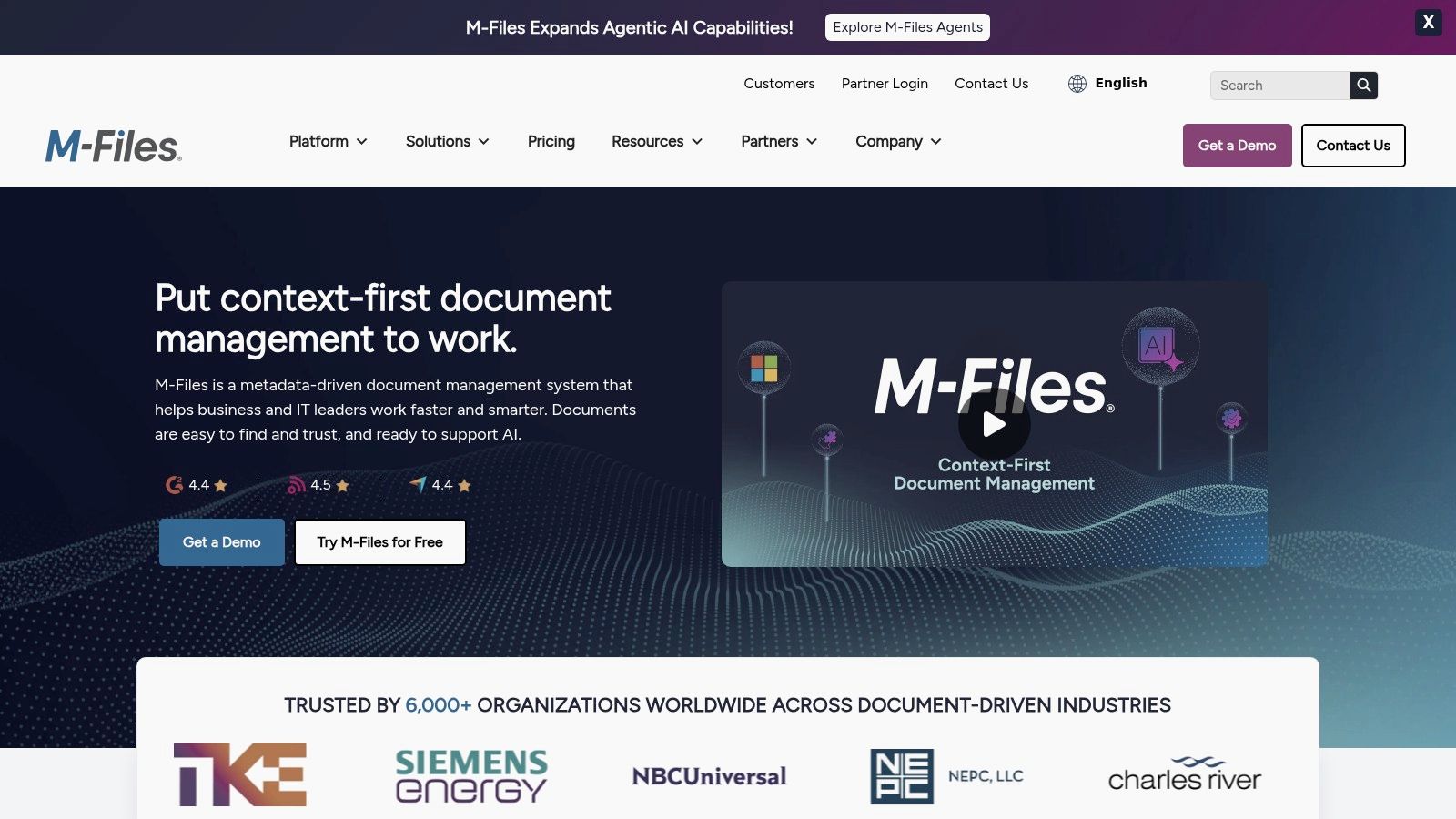
M-Files is one of the few document platforms that shifts how users think about filing. Instead of asking where a document lives, it asks what the document is. That metadata-first model is powerful in process-heavy environments where retrieval, compliance, and workflow matter more than folder comfort.
For teams drowning in duplicated folder structures, this can be a powerful solution. Search, classification, versioning, and workflows become easier to standardize when documents are defined by type, status, customer, project, or matter rather than buried in nested directories.
Why metadata matters
M-Files is especially strong for quality-controlled environments, regulated document classes, and businesses that want tighter control over how information is categorized. The platform also supports workflow automation and external collaboration options, which gives it broader reach than a simple internal archive.
M-Files shares a conceptual overlap with contract lifecycle management. Contracts also benefit from metadata discipline because key business questions are metadata questions: expiration, auto-renewal status, governing law, counterparty, owner, and obligation timing. If your team is still defining that model, this guide to contract lifecycle management is a practical reference.
Best fit and caveats
M-Files is often the right choice when an organization is ready to invest in information architecture. It is less ideal when the business wants instant simplicity with little design effort.
- Excellent for structured environments: Strong fit for organizations that need consistency and classification.
- Reduces folder sprawl: Metadata-first retrieval improves findability and workflow logic.
- Good automation potential: Useful for approvals and document-centric business processes.
The trade-off is implementation discipline. Metadata and workflow design need upfront planning, and commercial packaging usually requires a sales-led evaluation.
8. DocuWare
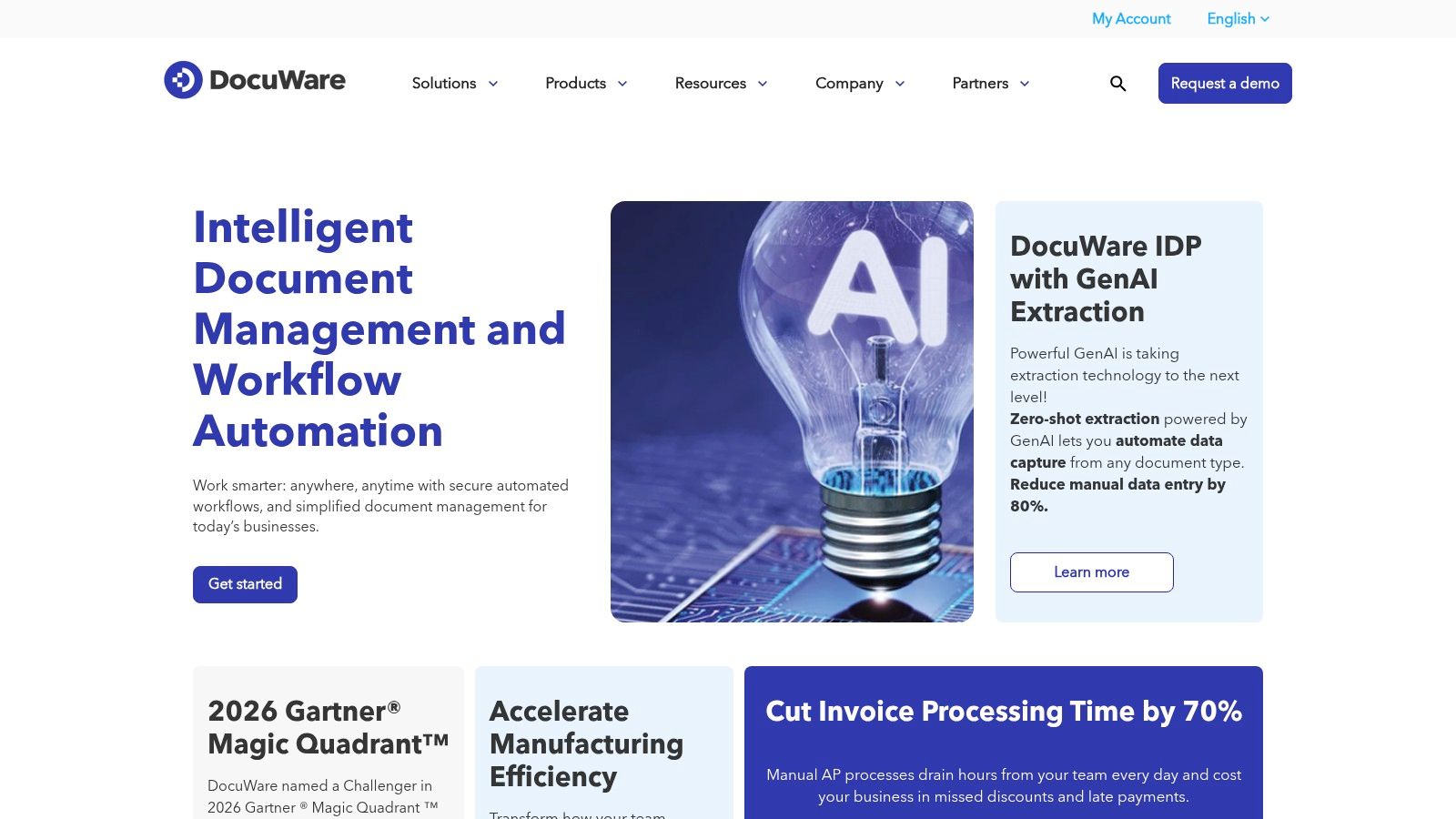
DocuWare is one of the clearest workflow-oriented DMS choices for finance, HR, and administrative operations. It's especially effective when the document problem isn't collaboration chaos but repetitive processing. Think invoice approvals, employee records, intake forms, and structured routing.
That focus makes DocuWare a good choice for teams that want document management tightly connected to operational workflows. It's less about open-ended collaboration and more about getting repeatable business processes under control.
Where it creates value
DocuWare's strengths include repository control, audit trails, e-forms, intelligent indexing, and configurable workflows. Preconfigured solution patterns also make it attractive for organizations that want to digitize a known process instead of designing from scratch.
For contract teams, this means DocuWare can be useful around intake, approvals, and storage, particularly where contract requests follow structured business rules. But it doesn't natively replace AI-first contract review or negotiation intelligence platforms built specifically for legal and procurement work.
What to watch
The main attraction is operational structure. The main drawback is buying and implementation complexity. Organizations often need scoping help from DocuWare or partners to align workflow design, permissions, and indexing with internal processes.
- Strong process automation: Good for document-heavy back-office operations.
- Clear compliance support: Auditability and retention controls are useful for controlled environments.
- Template-led deployment: Helpful when teams want quicker rollout for known use cases.
DocuWare is a better fit for operational document automation than for full-spectrum CLM. If your biggest pain is contract negotiation, fallback language, or third-party paper review, you'll likely need something more specialized.
9. Laserfiche
Laserfiche earns consideration in organizations where document control is tied directly to compliance risk, public accountability, and process reliability. It is especially common in government, education, healthcare, and other regulated sectors that need records retention, formal approvals, and auditable access controls in one system.
That makes Laserfiche a different type of buy than a general file-sharing platform. Its value comes less from broad collaboration and more from turning document-heavy workflows into governed processes with forms, routing, permissions, and retention policies built into the operating model. For teams evaluating document management through an ROI lens, that usually means lower manual handling in intake and approvals, better readiness for audits, and fewer process gaps around high-risk records.
Where Laserfiche fits best
Laserfiche makes the most sense when a business has to standardize how documents move, who can act on them, and how long they must be retained. Examples include public records requests, board or committee packets, student or citizen forms, onboarding files, policy acknowledgments, and compliance approvals that need a clear chain of custody.
This also matters for contract-adjacent work. Laserfiche can manage contract repositories, request forms, approval routing, and signed-document retention well, particularly when procurement or legal operations need stronger governance around intake and storage.
Where the CLM gap appears
The limitation is that Laserfiche is still primarily a content and process platform, not a contract-first intelligence layer. It helps organizations store and route agreements, but it does not center the workflow around clause analysis, negotiation patterns, fallback language, obligation extraction, or AI-assisted review in the way modern CLM platforms do.
That distinction matters for legal, sales, and procurement teams handling active contracts rather than archived records. If the business problem is slow redlining, inconsistent playbooks, or weak visibility into contractual risk across vendors and customers, a CLM platform or an AI-first system such as Legitt AI will usually address that workflow more directly.
- Strong fit for regulated operations: Best for organizations that need records governance, audit trails, and policy-driven workflows.
- Useful automation layer: Forms, routing, and repository controls can reduce manual administrative work in structured processes.
- Less specialized for contract intelligence: Good for contract control and storage, weaker for negotiation analytics and legal-language review at scale.
Implementation is the main trade-off. Laserfiche often performs best with careful process design, experienced administrators, and clear ownership across IT, compliance, and business operations. Smaller teams or companies looking for fast time-to-value on sales contracts may find that a CLM-focused platform reaches ROI faster.
10. NetDocuments
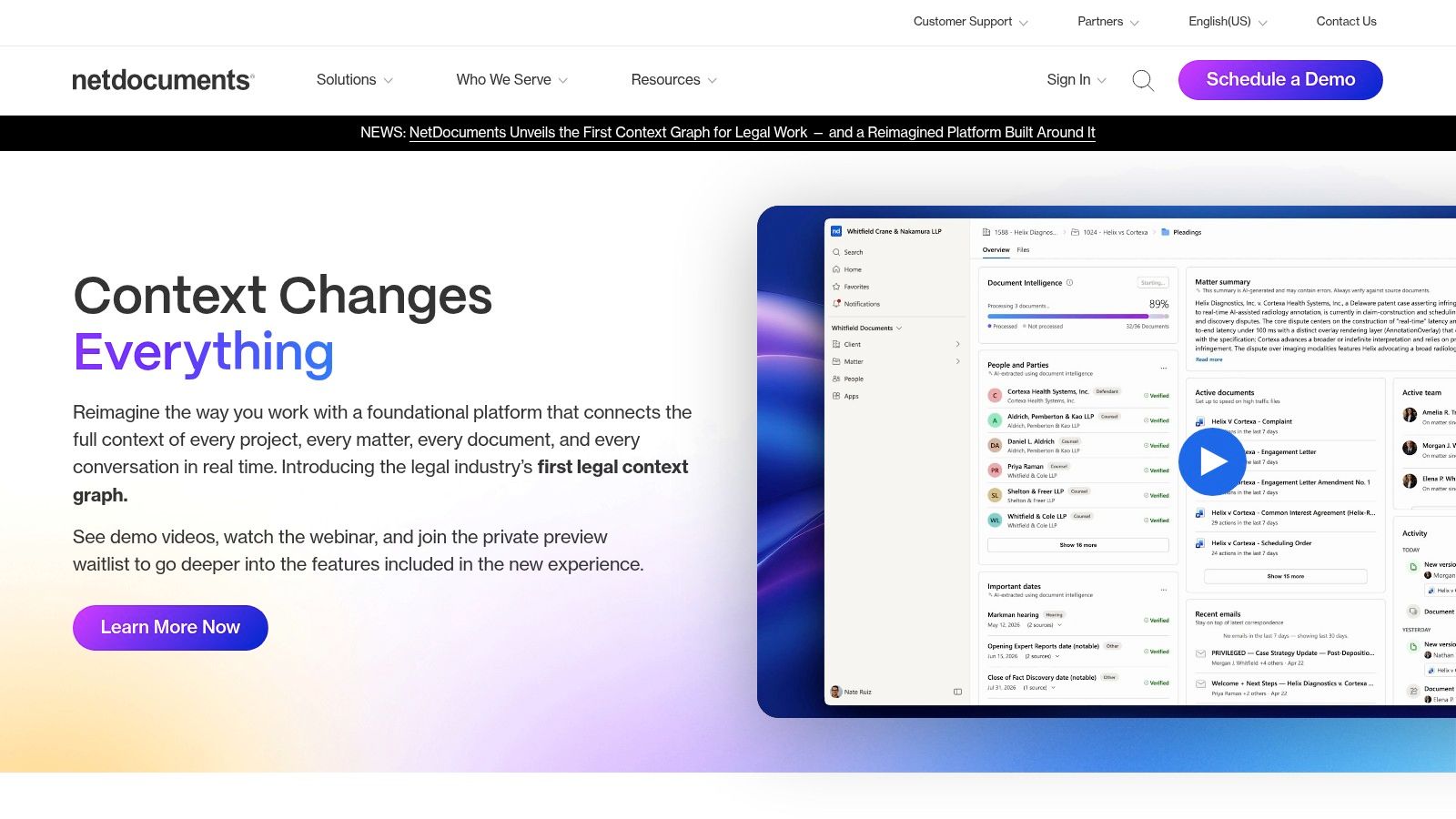
NetDocuments is the most legal-specific platform in this list. It was built for law firms, corporate legal departments, and government legal teams that need matter-centric filing, email management, legal holds, ethical walls, and guardrail-heavy document security.
That specialization is both its biggest strength and its main limitation. For legal teams, it maps closely to how work is done. For broader business departments, it may feel too specific to legal operations.
Why legal teams choose it
NetDocuments makes the most sense when legal is the primary owner of the document system and Outlook- and Word-based workflows dominate. Matter-centric organization, legal audit requirements, and controlled document access all align well with law department needs.
The legal AI layer is also notable. As AI enters document operations, legal teams increasingly want more than search. They want assistance that respects matter boundaries, legal review expectations, and document provenance.
Best fit and trade-off
NetDocuments is often a strong answer for legal document management. It's a weaker answer if procurement, sales, HR, and operations all need one broad-based repository for everyday document collaboration.
The best document management software for a legal department isn't always the best document management software for the entire company.
- Designed for legal workflows: Strong matter management, email capture, and security controls.
- Legal-grade governance: Useful for departments managing holds, audits, and sensitive client content.
- Good legal ecosystem fit: Particularly strong where Word and Outlook remain central.
The trade-off is scope. If the business wants contract automation across sales and procurement, a legal DMS may still need to be paired with a CLM platform.
Top 10 Document Management Software Comparison
A useful comparison starts with the job each platform is built to do. Some products are optimized for storing and sharing files at scale. Others are designed to manage active, high-value documents, especially contracts that move through drafting, review, approval, signature, renewal, and audit. That distinction matters because a company choosing software for policy files needs different capabilities than a legal, sales, or procurement team trying to shorten contract cycle time.
| Product | Best fit | Core strengths | AI and automation | Main trade-off | Users / pricing |
|---|---|---|---|---|---|
| 🏆 Legitt AI | Contract-heavy workflows across legal, sales, procurement, and finance | CLM with drafting, negotiation, approvals, e-signature, and repository search in one system | Lana assistant, clause extraction, deviation and risk analysis, template-based drafting, repository insights | Narrower fit if the priority is general file collaboration across the whole company | In-house legal, sales, procurement, finance. Free start, 15-day trial, enterprise pricing by quote |
| Microsoft SharePoint (Microsoft 365) | Enterprises already standardized on Microsoft 365 | Document libraries, permissions, versioning, metadata, Teams and Office integration | Power Automate workflows and Microsoft ecosystem AI options | Strong document control, but contract workflow usually requires added configuration or third-party CLM tools | Enterprise IT and business departments. Included in Microsoft 365 plans |
| Box Content Cloud | Governed content sharing inside and outside the company | External collaboration, governance, integrations, Box Sign | Workflow and content intelligence features with broad integration support | Better for content governance than for end-to-end contract operations | Enterprises and regulated industries. Tiered pricing |
| Google Drive (Google Workspace) | Fast adoption and real-time collaboration | Docs collaboration, shared drives, search, easy cross-team editing | Gemini features on eligible plans, search and suggestions | Lightweight governance compared with more controlled enterprise DMS and CLM platforms | Google Workspace organizations. Included in Workspace plans |
| Dropbox Business | Simple file sync and sharing for distributed teams | Desktop sync, file sharing, PDF tools, familiar user experience | Basic workflow support and productivity features | Limited structure for complex compliance, records, or contract approval processes | SMBs and mobile teams. Tiered pricing |
| Egnyte | Mixed cloud and on-prem requirements with stronger governance needs | Hybrid deployment, data rooms, content governance, security monitoring | Classification, behavior analytics, anomaly and ransomware detection | More administrative overhead than simpler collaboration tools | Mid-market, life sciences, AEC. Tiered or quote-based pricing |
| M-Files | Process-heavy organizations that organize around metadata, not folders | Metadata-driven document control, search, workflow design | M-Files Aino, automation, classification support | High upside for governance. Requires thoughtful implementation to work well | Compliance-focused and process-heavy organizations. Quote-based pricing |
| DocuWare | Back-office document processes such as AP, HR, and records routing | Workflow automation, document capture, indexing, archival | Intelligent indexing and packaged workflows for common administrative use cases | Strong in operational document processing, less specialized for negotiated contracts | Finance, HR, public sector. Cloud tiers and scoped pricing |
| Laserfiche | Records management and regulated process automation | Records controls, forms, workflow automation, auditability | Automation and no-code process configuration | Powerful for formal records environments, often more system than smaller teams need | Government, education, regulated sectors. Variable pricing |
| NetDocuments | Legal document management where matters, email, and legal controls drive adoption | Matter-centric filing, email management, security controls, legal integrations | ndMAX and legal AI features | Excellent for legal teams, less natural as a company-wide collaboration hub for every department | Law firms and corporate legal. Quote-based pricing |
The ranking also shows a broader shift in the market. Traditional DMS products still matter, but the highest-value use cases are moving toward systems that can understand document content, trigger workflows, and support decisions. For static storage, SharePoint, Box, Google Drive, Dropbox, and Egnyte are credible options. For structured governance, M-Files, DocuWare, Laserfiche, and NetDocuments offer stronger control models. For contract-centered operations, Legitt AI sits in a different category because it treats the document as a live business process rather than a file to archive.
That difference has direct ROI implications.
If a procurement team manages supplier agreements in a general DMS, it may still rely on email approvals, manual clause review, and spreadsheet-based renewal tracking. A CLM-oriented platform reduces those handoffs by combining repository management with drafting rules, approval logic, extraction, and risk review. The result is not just cleaner storage. It is fewer delays, better visibility into obligations, and faster execution for revenue and vendor workflows.
From Static Storage to Strategic Asset
Choosing the best document management software isn't really about documents. It's about operational control over the business processes those documents drive. In 2026, that distinction is getting sharper because organizations aren't just digitizing files anymore. They're trying to eliminate manual handoffs, reduce compliance exposure, and create faster workflows across legal, procurement, finance, and sales.
That shift is visible in market growth. One forecast values the document management software technology market at USD 5.18 billion in 2022 and projects USD 12.21 billion by 2030, at an 11.30% CAGR. The practical takeaway isn't that software spending is rising. It's that enterprises are moving from basic file storage toward platforms that can classify, extract, route, and analyze business-critical documents.
For many teams, the smartest buying decision starts with a blunt question. Are you managing files, or are you managing contract-driven workflows?
If your priority is enterprise-wide collaboration across departments, tools like SharePoint, Box, Google Drive, Dropbox Business, and Egnyte can all make sense depending on your environment. SharePoint fits Microsoft-heavy enterprises. Box excels in governed external collaboration. Google Drive wins on real-time editing and speed of adoption. Dropbox Business stays attractive when ease of use matters most. Egnyte is strong when security and governance need to coexist with practical file access.
If your priority is process-heavy document control, M-Files, DocuWare, and Laserfiche deserve serious attention. They're strong when classification, auditability, records discipline, and workflow consistency matter more than lightweight collaboration. NetDocuments, meanwhile, is highly compelling for law firms and corporate legal teams that need a legal-grade repository tied to matter-centric work.
But contracts change the buying criteria. Contracts aren't just documents to store after signature. They move through drafting, negotiation, approvals, execution, amendments, renewals, and obligations. That's where classic DMS tools can start to feel incomplete. They can store the file. They often can't run the process.
This is also where AI starts producing measurable business value. One benchmark cited in contract operations shows that AI systems can review an NDA in 26 seconds versus 92 minutes for a human lawyer, with 94% accuracy. You shouldn't generalize that benchmark to every contract type or legal scenario. Still, it captures the broader point well. For repetitive, high-volume review work, AI-assisted contract workflows can change turnaround time, legal workload allocation, and deal velocity in a way that storage-centric tools can't.
That's why the most important divide in this category isn't cloud versus on-premises, or SMB versus enterprise. It's passive storage versus active lifecycle management.
For companies whose most valuable documents are contracts, an AI-native CLM platform such as Legitt AI addresses the full workflow. Drafting from plain-English prompts, redlining, approval routing, built-in eSignature, repository visibility, obligation alerts, renewal tracking, and contract intelligence all sit in one operational layer. That's a very different outcome from storing executed PDFs in a shared drive and hoping someone remembers the renewal date.
The best path forward is to map your highest-value workflow before you shortlist vendors. If delayed deal closure is the problem, prioritize drafting, approvals, negotiation, and eSignature. If missed obligations and renewals are the issue, prioritize repository intelligence and post-signature tracking. If governance and records retention dominate, focus on classification, permissions, and auditability.
A useful pilot doesn't need to cover every department. Pick one workflow that matters, such as sales agreements, vendor contracts, or legal intake. Then test whether the platform removes friction, improves visibility, and gives teams confidence in what happens before and after signature. That's where ROI becomes real.
If contracts are the documents that matter most to your business, Legitt AI is worth a close look. It combines AI-powered contract drafting, review, negotiation, approvals, eSignature, repository management, renewals, and obligation tracking in one workspace, so legal, sales, procurement, and operations teams can move from static storage to active contract management.