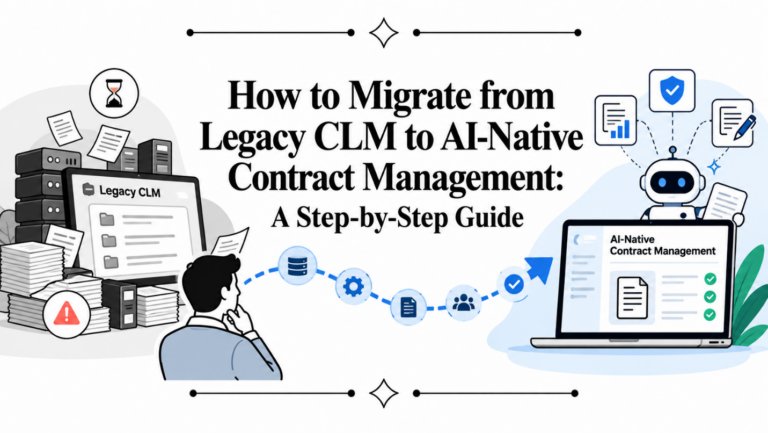
If your team still stores contracts, board approvals, outside counsel work product, and signed PDFs across shared drives and email threads, you don’t have a document system. You have a retrieval problem, a permissions problem, and eventually a compliance problem. The legal document management software market was valued at USD 2.49 billion in 2024 and is projected to reach USD 9.67 billion by 2034, with a 14.52% CAGR. That kind of sustained growth usually means buyers no longer see this category as optional infrastructure.
The harder part isn’t finding tools. It’s choosing the right type of tool. Some teams need a legal-grade DMS built for matter-centric storage, version history, email filing, and auditability. Others need a CLM platform that handles drafting, negotiation, approvals, eSignature, repository management, renewals, and contract intelligence in one workflow.
That’s the distinction most “best legal document management software” roundups blur. This guide doesn’t. It separates traditional DMS platforms from modern CLM systems so you can match the software to how your legal team works.
If you’re also reviewing operational filing practices for firms, this guide on managing legal documents for law offices is a useful companion.
1. Legitt AI
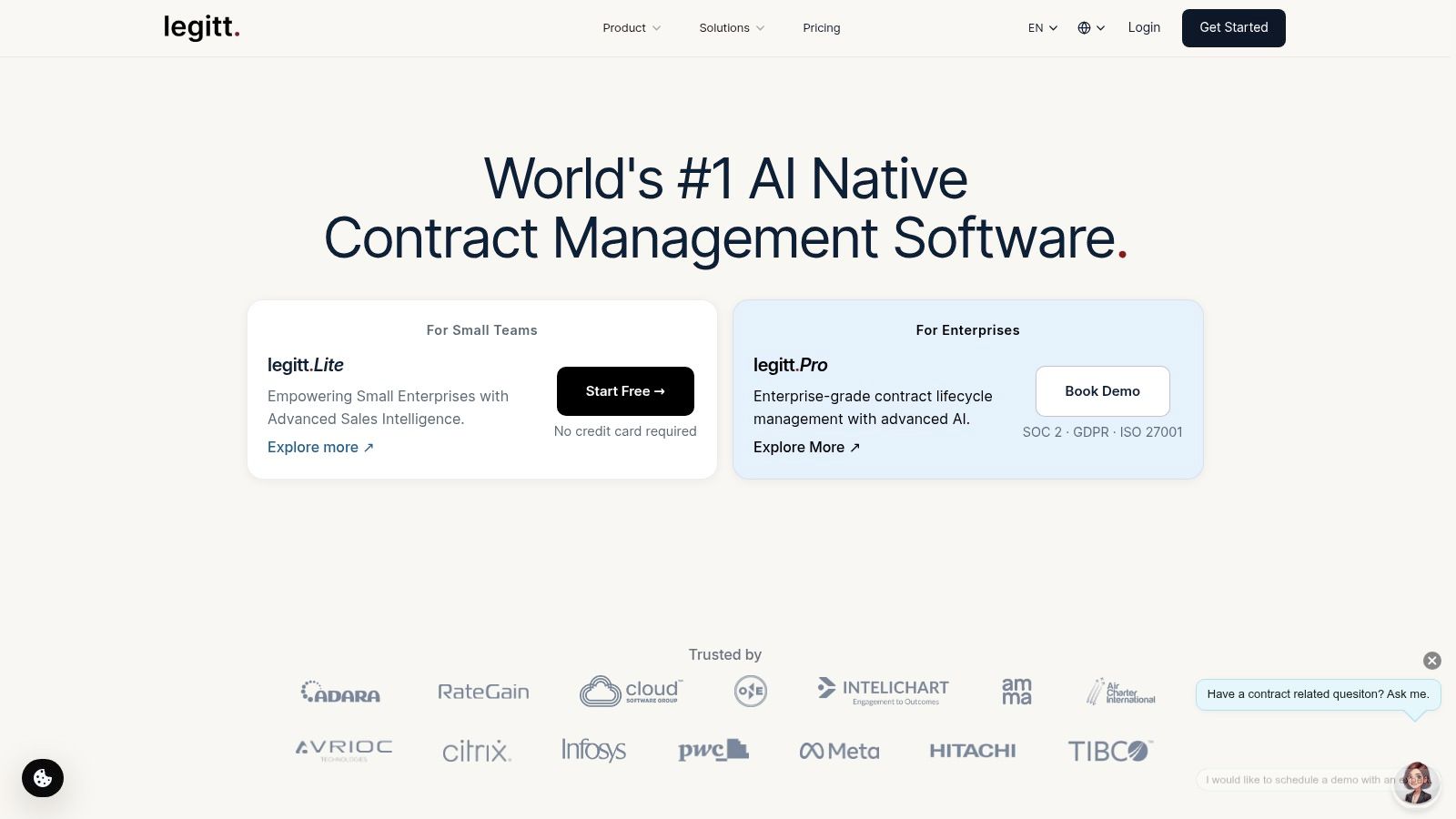
Legitt AI is the strongest option here for teams that don’t just want to store legal documents, but want to run the full contract lifecycle in one place. That’s an important difference. A repository helps after the document exists. A CLM helps before, during, and after signature.
In practice, that means legal can generate agreements from plain-English prompts and template libraries, sales can send standard paper without waiting on manual drafting, procurement can route vendor agreements through approvals, and operations can track renewal dates and obligations after execution. The platform brings drafting, redlining, approvals, eSignature, and searchable repository management into one workspace instead of splitting work across Word, email, PDF tools, and file shares.
Why it stands out
Legitt AI feels built for teams trying to remove handoff friction. Its AI-native setup is useful for high-volume contract work where the actual delay isn’t only drafting. It’s version confusion, approval chasing, misplaced final copies, and the constant need to answer basic questions such as which clause changed, which renewal is coming up, or whether third-party paper deviates from policy.
A few practical strengths matter more than glossy feature lists:
- End-to-end CLM workflow: Legal, sales, procurement, and revenue teams can draft, negotiate, approve, sign, store, and analyze contracts in one system.
- AI-assisted drafting and review: Plain-English prompting, template-based generation, clause extraction, and risk or deviation analysis are useful when teams need speed without losing visibility.
- Strong integration coverage: Salesforce, HubSpot, Microsoft 365, Word, Slack, Zapier, Dynamics 365, APIs, and other connectors reduce copy-paste work.
- Enterprise controls: SOC 2 Type II, ISO 27001/27701, GDPR, HIPAA, SSO, MFA, RBAC, and AES-256 encryption matter when legal owns sensitive commercial and regulated documents.
Practical rule: If your biggest pain starts before signature, choose CLM over a pure DMS.
Best fit and trade-offs
Legitt AI is best for in-house legal teams, fast-moving commercial teams, procurement groups, and growing companies that want contract automation plus repository intelligence. It’s also a good fit when you want AI contract review, eSignature, and obligations tracking in one product instead of stitched-together tools.
The trade-off is straightforward. Pricing isn’t publicly listed, so enterprise buyers need a scoped conversation to understand modules, integrations, and rollout costs. And like any AI contract management platform, it still needs human legal review for jurisdiction-specific nuance and high-risk negotiations.
2. iManage Work
iManage Work is a classic legal DMS choice for firms and corporate legal departments that care significantly about matter structure, Outlook filing, version control, and information governance. If your lawyers live in email and Word, iManage usually feels familiar quickly.
This is not a lightweight content tool disguised for legal. It was built for legal document and email management, and that shows in the workspace model, security controls, and records posture. Teams that need ethical walls, detailed metadata, and legal-specific organization usually shortlist it early.
Where it fits best
Use iManage when the primary problem is document control across matters, not end-to-end commercial contracting. It’s especially effective in environments where lawyers need to save email into the matter file, search prior work product, and maintain a defensible version history.
Modern legal DMS buying guides increasingly frame tools like iManage and NetDocuments around role-based access, version history, audit trails, and compliance-driven collaboration, including support for frameworks such as GDPR and HIPAA in buyer evaluation criteria, which reflects how far the category has moved beyond basic file storage into governance-heavy legal operations as summarized in this legal DMS market guide.
- Best for: Law firms, outside counsel teams, corporate legal departments with heavy email and matter workflows
- Strong points: Outlook integration, legal metadata discipline, mature governance model
- Watch for: Higher implementation effort, partner-led configuration, custom pricing
iManage tends to reward teams that invest in taxonomy design and rollout discipline. If you want plug-and-play simplicity, it may feel heavier than expected.
3. NetDocuments
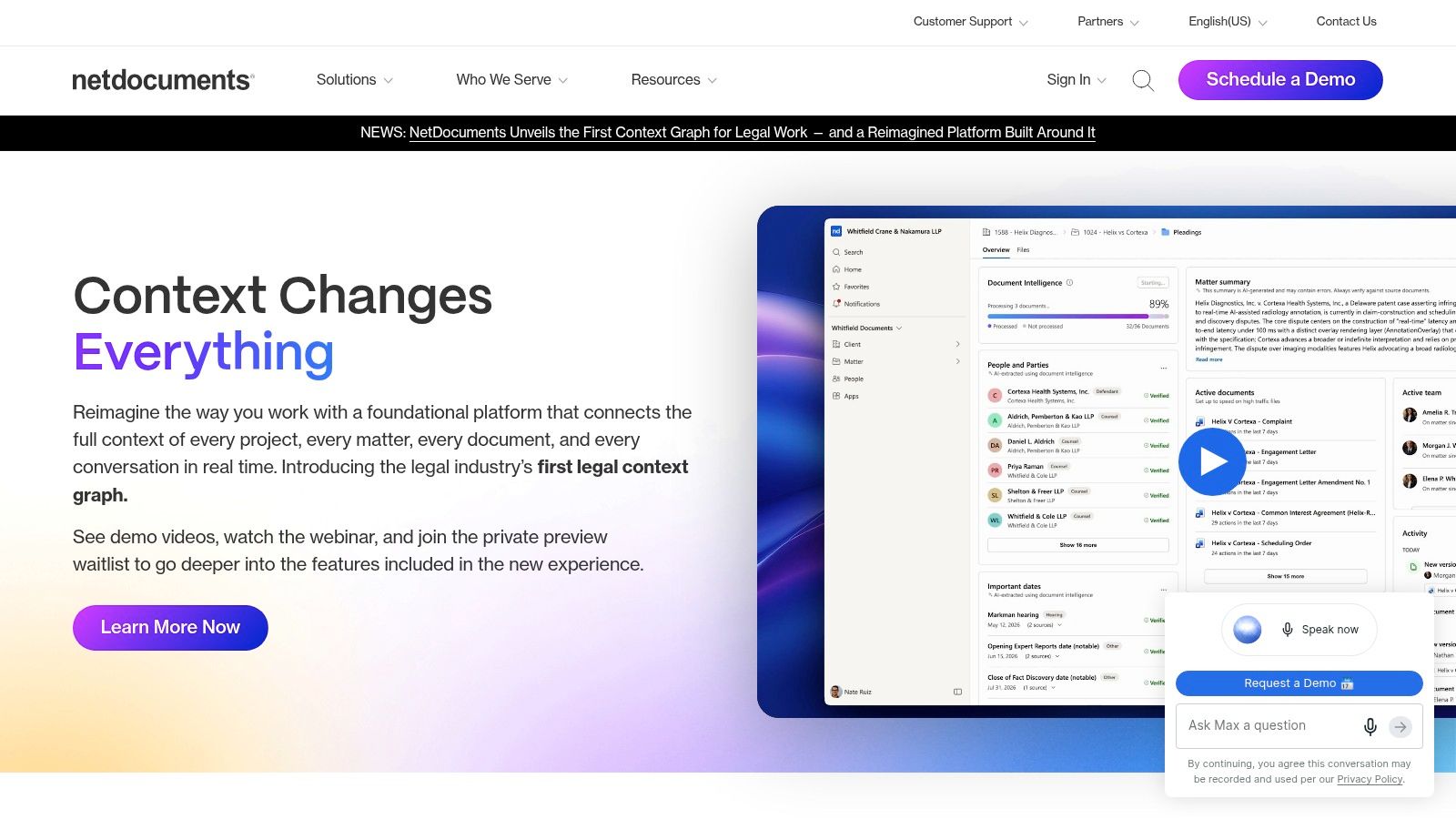
NetDocuments is the cloud-first legal DMS many teams choose when they want legal-grade controls without maintaining on-prem infrastructure. Its appeal is simple. You get document and email management, auditability, collaboration, and security in a platform designed around legal use cases rather than retrofitted enterprise content management.
For firms and legal departments moving away from shared drives or aging servers, that architecture matters. The product is often attractive to organizations that want cloud delivery but still need strong permissioning, external sharing controls, and compliance-oriented administration.
What buyers usually like
NetDocuments is usually strongest when legal needs centralized control but also wants easier remote access and collaboration. It handles the “find the right version, confirm access, review history, share safely” cycle well.
One trend worth watching is how DMS evaluation is shifting from storage to knowledge retrieval. NetDocuments points to a broader legal AI shift where 78% of law firms were using AI, and 64% expected AI to be more important to strategy than productivity. That changes what buyers expect from a repository. They increasingly want AI-assisted findability, precedent reuse, and matter intelligence, not just folders and search.
The best legal document management software now needs to answer two questions. Where is the file, and what does the file mean?
- Best for: Cloud-minded firms, in-house legal teams, public sector or regulated environments
- Pros: Cloud-native design, strong compliance posture, solid legal collaboration controls
- Cons: Quote-based pricing, occasional buyer concern about service interruptions, legal-specific setup still requires planning
4. Thomson Reuters HighQ
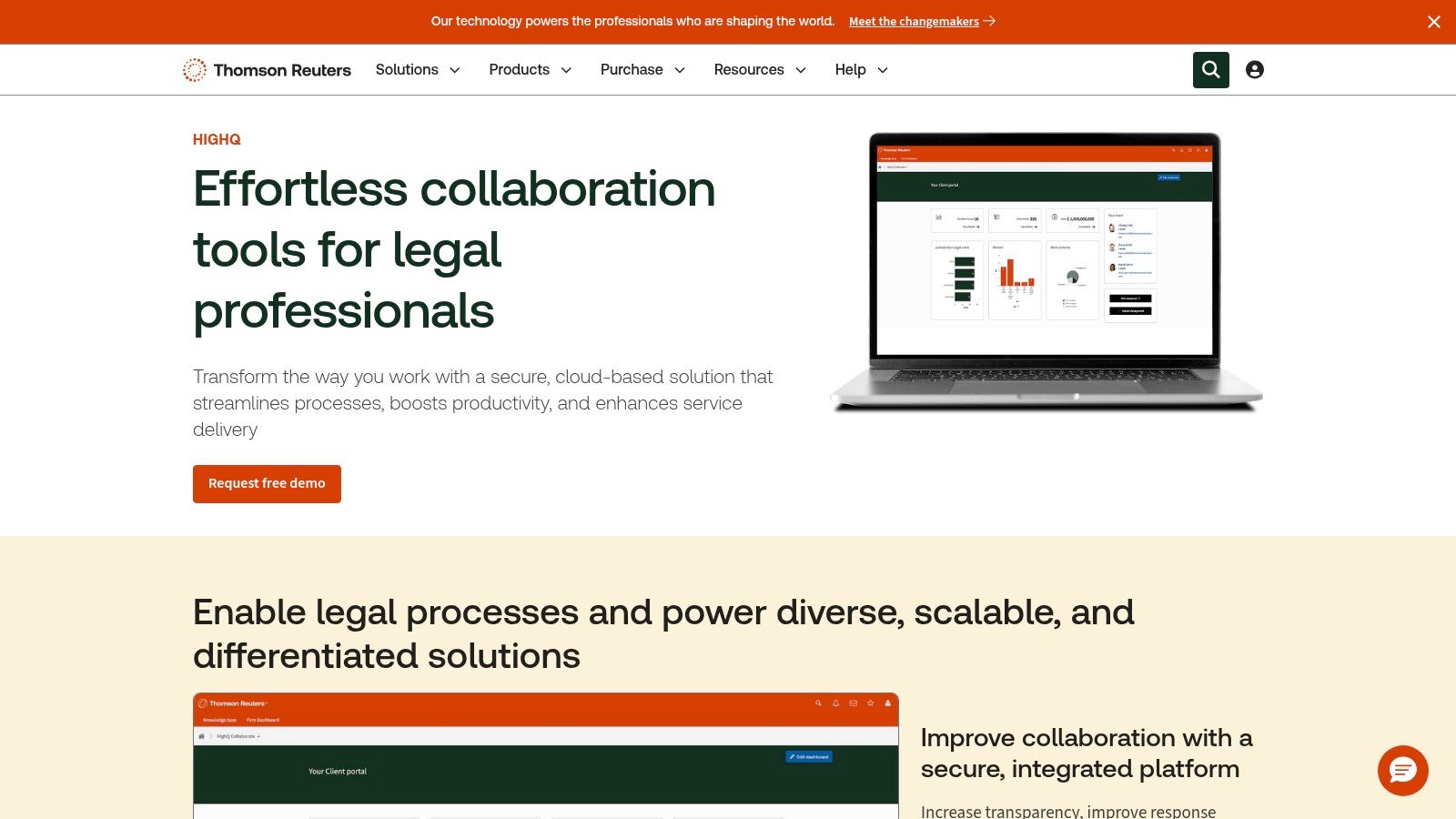
Thomson Reuters HighQ sits in an interesting spot between document management, legal collaboration, and workflow orchestration. It isn’t only a filing system. It’s often chosen because legal wants secure extranets, client portals, document workflows, and matter collaboration in one environment.
That makes it particularly useful for firms serving clients who want structured access to documents and status updates, or for legal departments coordinating across business stakeholders, outside counsel, and compliance teams. Email-heavy collaboration often becomes cleaner when users work inside a shared portal instead.
Best use case
HighQ makes the most sense when your legal work crosses organizational boundaries. Think panel counsel coordination, large investigations, regulatory response rooms, transaction workspaces, or legal operations teams that need dashboards and intake flows attached to the document layer.
A few trade-offs are worth calling out:
- Client portal strength: Secure shared workspaces reduce ad hoc attachment sending.
- Configurable workflows: Good for approvals, task routing, and project-style legal collaboration.
- Enterprise orientation: Powerful, but often more than a small legal team needs.
- Admin complexity: Complex configurations need capable internal admins or implementation support.
If your legal team says “we need a controlled collaboration environment” more often than “we need a better repository,” HighQ deserves a close look.
5. Microsoft SharePoint with Microsoft Purview and Syntex

Microsoft SharePoint is often the default answer inside large organizations because it’s already in the Microsoft stack. That doesn’t make it the best legal document management software by default, but it does make it the most common starting point.
Legal teams can get a lot from SharePoint when it’s paired with Purview for retention, legal holds, eDiscovery, and records governance, and with Syntex or SharePoint Premium for content services and automation. It integrates naturally with Outlook, Teams, Word, and the broader Microsoft 365 environment, which lowers user resistance.
What works and what doesn’t
SharePoint works well when the company wants one enterprise-wide platform and legal is willing to design governance carefully. It doesn’t work well when teams assume a standard document library equals a legal DMS.
- What works: Version history, permissions, Microsoft-native collaboration, workflow automation through Power Automate
- What doesn’t work out of the box: Matter-centric legal organization, legal metadata discipline, defensible governance without careful configuration
- Who should consider it: Enterprises already standardized on Microsoft 365, especially when IT and legal operations can partner closely
If you’re already heading down this path, this SharePoint migration guide for legal teams is worth reviewing before you move live matter documents.
SharePoint can become a capable legal repository. It rarely becomes one by accident.
6. Box with Box Governance

Box is a practical choice when secure external collaboration matters as much as internal file control. Many legal teams use it because outside parties, business users, and mobile employees tend to adopt it quickly.
On its own, Box is closer to enterprise content collaboration than a legal-specific DMS. With Box Governance, it becomes more relevant for legal operations by adding retention management, legal holds, and disposition controls. For some organizations, that’s enough. For others, the lack of legal-specific matter structure becomes the limiting factor.
When it makes sense
Box is usually a good fit when legal needs to share documents with clients, vendors, counterparties, or outside counsel without constant IT intervention. It also suits companies that want API flexibility and broad integrations across business apps.
- Why teams choose it: Strong sharing experience, familiar interface, granular permissions
- Where it can fall short: Not purpose-built for legal matter management, governance features often come as add-ons
- Best fit: In-house legal teams with high collaboration needs and less dependence on traditional law-firm-style workspace models
The practical question is whether legal needs a collaboration platform with governance, or a legal DMS with collaboration. Those aren’t the same purchase.
7. Agiloft CLM with Astra contract AI

Agiloft is one of the more configurable CLM platforms in this market. Teams often choose it when they need contract workflows that reflect their own approval logic, clause rules, intake paths, and reporting model rather than a vendor’s preferred process.
This is a CLM, not a traditional DMS. That’s a strength if your legal document problem is really a contracting process problem. It gives legal, procurement, sales, and finance a structured way to generate contracts, manage approvals, store executed agreements, and monitor obligations and renewals.
Why teams choose it
Agiloft’s biggest strength is flexibility. If your organization has layered approval policies, custom fields by contract type, procurement controls, or post-signature reporting demands, the no-code approach can be appealing.
Its AI layer also matters for review and extraction. Buyers looking at this category should compare how platforms handle third-party paper, metadata extraction, deviation detection, and scalable review workflows. If that evaluation is part of your project, this guide to AI contract review software is a useful benchmark for what to test.
- Good fit: Procurement-heavy businesses, legal ops teams, companies with custom process requirements
- Pros: Deep configurability, strong data model, CLM breadth
- Cons: Implementation can get heavy for complex deployments, pricing is scoped rather than transparent
Agiloft works best when the buyer has a clear process map. Without that, flexibility can turn into design drift.
8. Ironclad
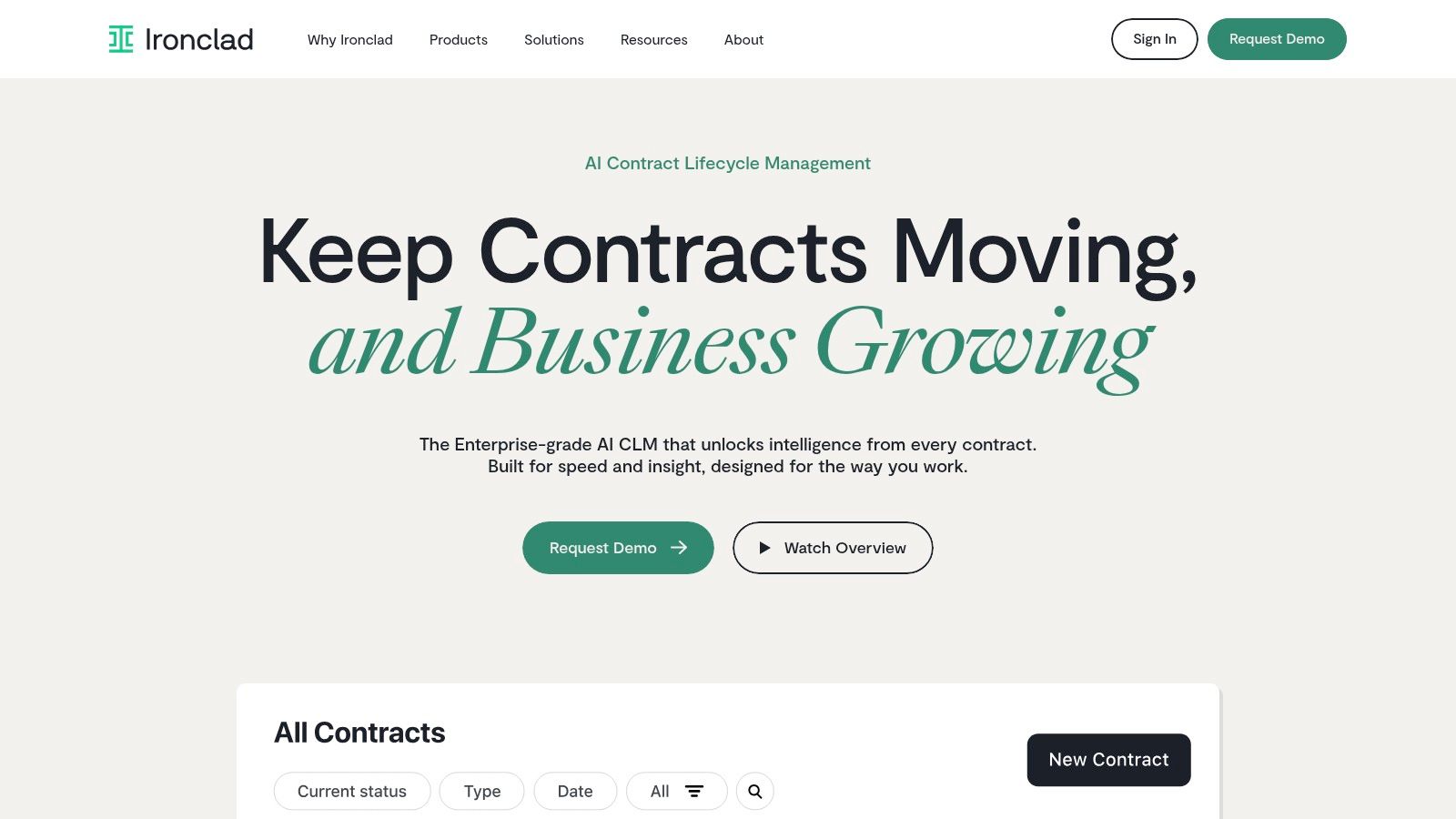
Ironclad is one of the better-known CLM platforms for commercial contracting. It tends to resonate with legal teams that need self-service workflows for NDAs, MSAs, SOWs, and routine sales paper, while keeping legal in control of approvals and fallback positions.
The user experience is one of its biggest advantages. Business teams generally understand the intake and workflow model quickly, which matters because CLM projects succeed or fail on adoption more often than on feature counts.
Where it wins
Ironclad is strongest when legal wants to operationalize contract intake and approval logic across the business. If sales, procurement, and legal all touch the same agreements, the workflow designer helps reduce email triage and manual escalation.
That said, CLM rollouts fail when teams overbuild too early, create too many paths, or try to encode policy before they agree on process ownership. This is why I usually recommend reading about why CLM platforms fail before configuring any enterprise workflow product.
A CLM project doesn’t break because the software lacks features. It breaks because nobody agrees who owns the process.
- Best for: Mid-market and enterprise contracting teams with recurring agreement volume
- Pros: Strong UX, flexible workflows, solid cross-functional collaboration
- Cons: Enterprise-oriented pricing, broad scope can lead to implementation sprawl
9. DocuSign CLM
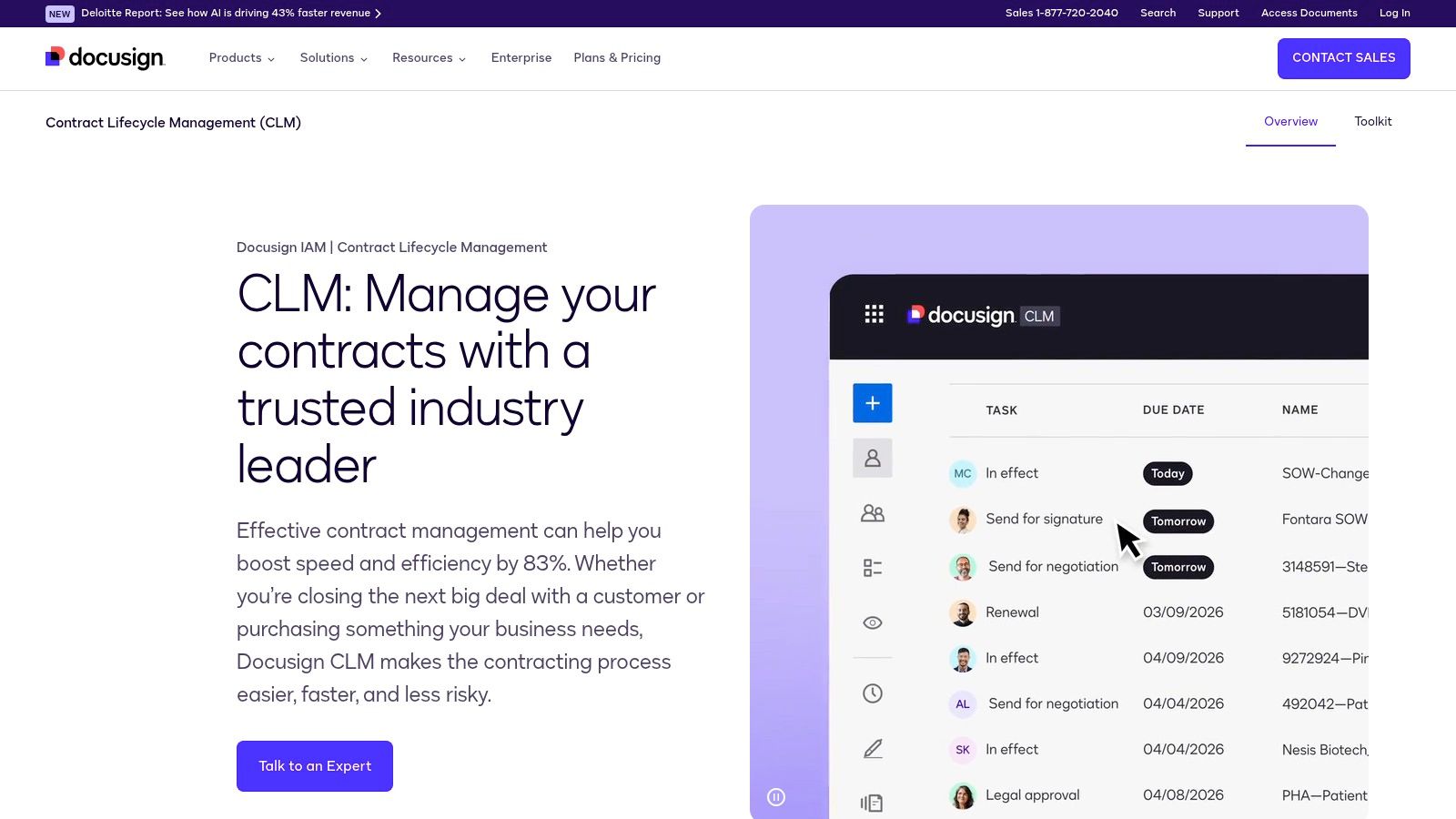
DocuSign CLM is the natural shortlisting choice for organizations already standardized on DocuSign eSignature. That existing footprint matters. Procurement, sales, legal, and finance teams often prefer extending a familiar agreement stack rather than introducing another vendor for drafting, workflow, and repository management.
As a CLM, it goes beyond signature. You get document generation, routing, approvals, repository functions, and obligation tracking inside the broader agreement cloud ecosystem. The practical appeal is less about novelty and more about continuity.
Best for agreement cloud buyers
DocuSign CLM makes the most sense when your organization already trusts DocuSign, uses Salesforce heavily, and wants tighter alignment between signature workflows and pre-signature contract operations. It can also be a comfortable option for risk-averse buyers that want a large ecosystem and broad enterprise familiarity.
Still, new evaluators often find the portfolio more complex than expected. If you’re comparing contract platforms and want a sharper view of where simpler or more AI-native alternatives may differ, this review of a DocuSign CLM alternative is a useful contrast.
- Best for: Enterprises with existing DocuSign adoption
- Pros: Tight eSignature alignment, strong ecosystem, enterprise credibility
- Cons: Quote-based pricing, broader product portfolio can complicate evaluation
10. ContractWorks by Onit

ContractWorks by Onit is one of the more approachable CLM options for smaller legal and operations teams. It doesn’t try to be the most expansive enterprise platform in the category, and that’s exactly why some buyers prefer it.
When teams need a contract repository, eSignature, alerts, metadata, and basic workflow structure without a long implementation cycle, ContractWorks is often easier to absorb. That makes it a reasonable option for companies formalizing contract management for the first time.
Why smaller teams like it
Smaller businesses and lean in-house teams usually care about predictable setup, straightforward administration, and broad internal access. ContractWorks leans into that with packaging designed for quick deployment and a simpler operating model than many enterprise CLMs.
A broader market forecast estimates the legal document management software sector at USD 3.43 billion in 2026 and USD 5.5 billion by 2030, with a 12.5% CAGR from 2026 to 2030, while identifying North America as the largest region in 2025 and Asia-Pacific as the fastest-growing. That growth pattern helps explain why products like ContractWorks are getting attention. More organizations want structure and auditability without enterprise-level complexity.
- Best for: SMBs, lean legal teams, first-time CLM adopters
- Pros: Easier rollout, approachable interface, built-in eSignature
- Cons: Less depth for complex authoring or highly customized enterprise workflows, storage considerations may matter as volume grows
Top 10 Legal Document Management Software Comparison
| Solution | Core features & integrations ✨ | UX & Trust ★ | Value & Pricing 💰 | Target & Best fit 👥 |
|---|---|---|---|---|
| 🏆 Legitt AI | AI-native drafting (plain‑English + 1,000+ templates), Lana assistant, inline redlines, built‑in eSign, secure searchable repo, deep CRM & Word integrations ✨ | ★★★★☆, fast, intuitive; enterprise security (SOC2, ISO, GDPR, HIPAA) | 💰 Free start + 15‑day trial; pay‑to‑scale, pricing on request | 👥 Legal, Sales, Procurement, RevOps, SMB → Enterprise |
| iManage Work (Work 10) | Legal DMS, native Outlook email filing, matter/workspace model, strong search, Microsoft integrations ✨ | ★★★★, legal‑grade controls and provenance | 💰 Quote‑based enterprise pricing | 👥 Law firms & corporate legal teams |
| NetDocuments | Cloud‑native DMS, email & document mgmt, audit trails, legal AI assistant, data residency & compliance | ★★★★, scalable cloud, strong compliance | 💰 Quote‑based (enterprise) | 👥 Law firms, in‑house legal, public sector |
| Thomson Reuters HighQ | Document mgmt, client portals, configurable dashboards/workflows, project/matter mgmt | ★★★★, collaboration + client portal security | 💰 Quote‑based, enterprise oriented | 👥 Corporate legal teams and firms needing portals |
| Microsoft SharePoint (+Purview/Syntex) | Document libraries, retention/holds/eDiscovery (Purview), automation (Power Automate), AI via Syntex ✨ | ★★★☆, familiar Office UX; requires governance for legal‑grade | 💰 Included in many M365 plans; Purview/Syntex add‑ons cost extra | 👥 Enterprise IT/legal standardizing on M365 |
| Box (with Box Governance) | Central repo, granular permissions, Box Governance for holds/retention, API‑first integrations | ★★★★, strong external sharing & mobile UX | 💰 Base plans + governance/security add‑ons (extra cost) | 👥 Teams needing secure external collaboration & APIs |
| Agiloft CLM (Astra AI) | No‑code CLM, template & clause libraries, workflows, obligations/renewals, Astra AI extraction ✨ | ★★★★, highly configurable, data‑first | 💰 Quote‑based; modular pricing | 👥 Legal, Procurement, Finance needing deep configurability |
| Ironclad | No‑code workflow designer, central repo, AI assistant, native eSign, CRM/CPQ integrations | ★★★★☆, excellent UX for high‑volume contracting | 💰 Quote‑based, enterprise focus | 👥 High‑volume contracting teams (sales, legal, ops) |
| DocuSign CLM | Doc generation, approvals, central repo, native DocuSign eSign & Salesforce integrations | ★★★★, natural for DocuSign customers | 💰 Quote‑based (part of Agreement Cloud) | 👥 Organizations standardized on DocuSign & Salesforce |
| ContractWorks (by Onit) | Central repository, tags/metadata, renewal alerts, built‑in eSign, unlimited users, optional AI tagging | ★★★★, fast deployment, predictable UX | 💰 Predictable packaging; SMB‑friendly plans | 👥 SMBs and teams needing quick CLM deployment |
From Filing Cabinet to Strategic Asset
Choosing the best legal document management software starts with one question. Do you need a system for legal documents, or a system for legal work?
If you’re a law firm or a corporate legal team managing advice, pleadings, email, matter files, and governed records, a traditional DMS like iManage, NetDocuments, or in some cases SharePoint may be the right backbone. These systems are strongest when document control, security, audit trails, ethical walls, and matter organization drive the purchase.
If your pain sits inside commercial contracting, the answer is usually CLM. That’s especially true when legal supports sales, procurement, finance, and operations. In that environment, storage alone doesn’t solve much. You need drafting, clause control, AI contract review, approval routing, eSignature, repository search, obligations tracking, and contract intelligence connected in one workflow.
Teams often make the wrong buy. They choose a DMS hoping it will improve contract cycle management, or they buy a CLM when what they really need is governed legal work product storage. Both decisions create frustration because the software isn’t solving the actual bottleneck.
A practical buying framework looks like this:
- Choose DMS first when legal’s priority is matter-centric organization, version history, secure email filing, and governed records.
- Choose CLM first when legal’s priority is contract drafting, negotiation, approvals, signing, renewals, and business collaboration.
- Choose carefully between the two when in-house legal is trying to support both regulated legal content and high-volume commercial agreements. In those cases, some companies run a legal DMS for counsel work and a CLM for contracts.
Implementation discipline matters as much as vendor selection. Teams get value when they define document types, ownership, metadata rules, approval paths, retention logic, and adoption expectations before rollout. They struggle when software becomes a dumping ground with no naming standards, no search strategy, and no owner.
The best systems also create measurable operational clarity, even when buyers don’t quantify it upfront. Lawyers spend less time chasing final versions. Sales stops asking where a signed agreement lives. Procurement gets visibility into renewal risk. Leadership can search the repository and understand obligations, precedent language, and process bottlenecks without rebuilding the story manually.
For most growing organizations, that’s the return. Legal documents stop being static files and become operational assets the business can trust, search, govern, and act on.
If your team needs more than a repository, Legitt AI is worth a serious look. It combines AI contract drafting, review, negotiation workflows, eSignature, repository management, renewals tracking, and contract intelligence in one platform, which makes it especially useful for in-house legal, procurement, sales, and operations teams that want to reduce handoffs and keep contract work moving.