Sales teams close deals inside Salesforce. Legal teams draft contracts somewhere else entirely. That gap – between the CRM where opportunity data lives and the tool where contracts get created – costs businesses real money.
According to the International Association for Contract and Commercial Management (IACCM), poorly managed contracts cost companies up to 9% of annual revenue on average. A significant chunk of that loss comes from one specific problem: contract data that does not sync with your CRM, leading to pricing errors, missed renewal dates, and slow deal cycles.
Salesforce contract management integration solves this by bringing the contract lifecycle directly into the CRM environment sales teams already live in. This guide explains how it works, what to look for in an integration, and where teams typically go wrong.
Why Contract Management and CRM Need to Talk to Each Other
Most businesses run their sales operations in Salesforce. Account records, deal history, pricing, contacts – it is all there. But the moment a deal moves toward closing, contracts get handled in a completely separate system. Sometimes that means emailing a Word doc to legal. Sometimes it means downloading data from Salesforce, re-entering it into a contract tool, and hoping nothing gets lost in between.
The result is a broken handoff at the most critical stage of the sales cycle.
Here is what that actually looks like in practice:
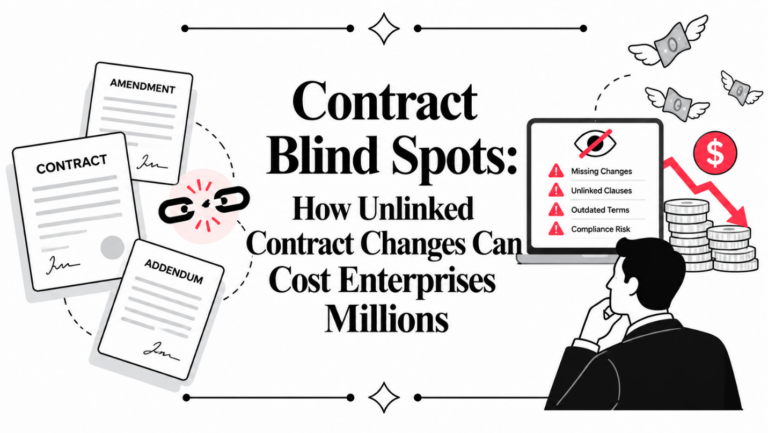
– A sales rep closes a deal with negotiated pricing, but the contract that legal drafts uses standard pricing from a template. No one catches it before signing.
– A vendor contract expires, but the renewal date was stored in a contract folder on SharePoint – not in Salesforce – so no one gets an alert.
– Legal spends two weeks on a contract that should have taken two days, because they are manually re-entering data that already existed in the CRM.
These are not edge cases. They are the norm for companies that have not connected their contract workflow to their CRM. If you want to understand the full scope of what this disconnection costs, read our breakdown of how CLM integration changes what your CRM can do.
What Salesforce Contract Management Integration Actually Does
When a CLM platform integrates with Salesforce, it creates a live connection between opportunity data and the contract drafting and management process. The key word is live – not a one-time export or a manual sync, but an ongoing two-way connection.
Here is what that looks like in practice:
Auto-population of contract fields : When a rep closes an opportunity in Salesforce, the integration pulls account name, deal value, product details, and contract start/end dates directly into the contract template. No manual re-entry. No errors from copy-paste.
Contract generation from within Salesforce : Sales reps can trigger contract creation directly from a Salesforce opportunity record. They do not need to log into a separate CLM platform, find the right template, or wait for legal to start drafting.
In-CRM contract tracking : Once a contract is sent, its status – drafted, under review, sent for signature, signed – updates inside Salesforce. Managers can see where deals are stuck without chasing anyone.
Renewal and obligation alerts inside Salesforce : Upcoming renewals, payment milestones, and key contract dates surface as Salesforce tasks or dashboard alerts. Nothing falls through because it was stored in a contract folder no one checks.
Post-signature storage back to Salesforce : Signed contracts automatically link to the account and opportunity record in Salesforce. No manual uploading or filing.
The Technical Side: How the Integration Is Built
A solid Salesforce CLM integration is built on a few core technical components:
Salesforce API connectivity : The CLM platform uses Salesforce REST or SOAP APIs to read and write data. This is what enables the two-way sync between opportunity records and contract data.
Custom object and field mapping : Contract fields – clause types, payment terms, governing law, renewal dates – need to map to Salesforce objects. This is typically configured during implementation and can be customized based on the company’s specific contract structure.
Trigger-based workflow automation : Salesforce admins can set up workflow rules or Flow automations that trigger contract generation when an opportunity reaches a specific stage (e.g., “Negotiation” or “Closed Won”). This removes the manual step of initiating the contract process. For a deeper look at the full lead-to-signature workflow this enables, see how Salesforce and CLM work together from lead to contract.
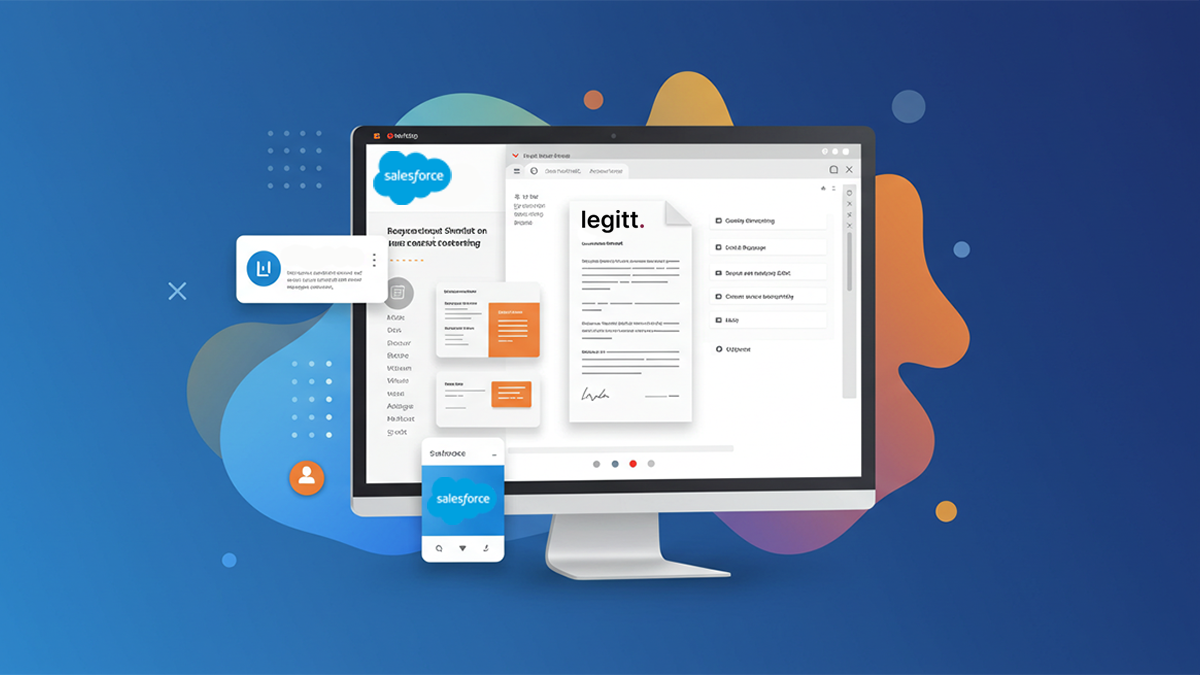
Embedded UI components : The better integrations embed the CLM interface directly into the Salesforce page layout using Lightning components. Sales reps see contract status, key dates, and action buttons without ever leaving the Salesforce record.
Security and access control : Enterprise-grade integrations use OAuth 2.0 for authentication and support role-based access controls – so a sales rep can see contract status but not edit legal clauses, while a legal reviewer can access full contract details.
Common Use Cases by Team
Sales Teams
The primary use case is accelerating deal closure. Instead of waiting on legal for a contract draft, sales reps can generate pre-approved contracts from Salesforce templates the moment an opportunity is ready. Approval workflows route exceptions to legal automatically, rather than requiring back-and-forth emails.
A SaaS company with a high-volume transactional sales model can cut contract turnaround from 5-7 business days to same-day by using templatized standard agreements that auto-generate from Salesforce opportunity data. For more on what this looks like for sales teams specifically, read how Salesforce CLM integration boosts sales efficiency.
Legal Teams
Legal teams gain visibility into what contracts are in flight without being a bottleneck for every deal. Pre-approved clause libraries mean legal only needs to get involved when a rep flags a deviation or when the deal structure is non-standard.
For companies doing 50+ contracts a month, this shift from “legal reviews everything” to “legal reviews exceptions” can meaningfully change how the legal team spends its time.
Procurement Teams
Procurement can use the same integration for vendor contracts. When a new vendor is added in Salesforce, procurement can trigger a vendor agreement workflow that applies the correct contract template based on vendor type, region, and spend level – without building contracts from scratch each time.
Finance and RevOps
Finance teams benefit from contract data flowing automatically into revenue recognition workflows. Payment milestones, contract start dates, and renewal terms that exist in the contract but not in Salesforce are a common source of revenue leakage. An integrated system keeps contract terms and financial tracking aligned.
What to Look for When Evaluating a Salesforce CLM Integration
Not all integrations are built the same. Here are the criteria that actually matter:
Native vs. connector-based : Some CLM platforms offer a native Salesforce integration built directly into their platform. Others use third-party connectors like Zapier or MuleSoft. Native integrations are generally more reliable, offer deeper data sync, and require less maintenance.
Bidirectional sync : The integration should push data both ways – from Salesforce into contracts, and from signed contracts back into Salesforce. One-directional sync leaves a gap where post-signature data does not make it back into the CRM.
Template and clause library management : Can legal teams maintain pre-approved templates and clause libraries that sales reps access without being able to modify them? This is the control mechanism that makes self-service contracting safe.
Version control and audit trail : Every change to a contract should be logged with a timestamp and user ID. This is both a compliance requirement and a practical tool for resolving disputes about what was agreed and when.
E-signature support : The integration should support e-signature – either natively or through a connected platform – so the entire workflow from draft to signed contract happens without the document leaving the system.
Mobile access : Sales reps reviewing contracts on the go need mobile-accessible contract management. This is often overlooked during evaluation but matters for adoption.
Where Teams Go Wrong with Salesforce Contract Integrations
Treating it as an IT project, not a process redesign : The technical integration is the easy part. The harder part is redesigning the workflow – deciding which contracts get auto-generated, which need legal review, what approval chains look like. Teams that skip this end up with a tool no one uses.
Ignoring adoption : If sales reps find the integration clunky or it adds steps to their workflow, they will go back to emailing Word docs. The integration needs to make their job easier, not harder. Adoption should be tracked like any other change management initiative.
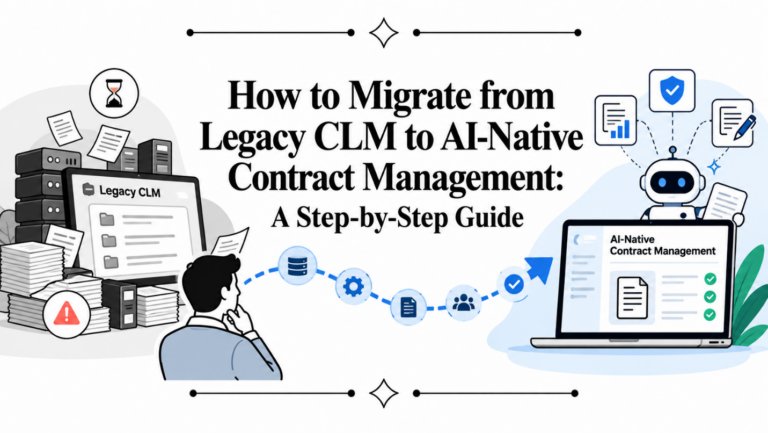
Not mapping legacy contracts : A new integration only helps with new contracts. Historical contracts sitting in SharePoint folders, email archives, or network drives do not get pulled in automatically. Teams need a plan for migrating legacy contracts into the system so renewal tracking actually works.
Underestimating configuration time : Getting templates, clause libraries, field mappings, and approval workflows right takes time. Most implementations that go wrong do so because teams underestimated the upfront configuration effort and went live before things were properly set up.
Measuring the Impact
Here are the metrics teams typically track after implementing a Salesforce CLM integration:
– Contract cycle time – how long from opportunity-won to signed contract. A well-implemented integration typically cuts this by 40-60%.
– Legal team bandwidth – what percentage of contracts require legal review vs. auto-generated from templates. The goal is to reduce routine review load.
– Contract error rate – pricing mismatches, wrong entity names, incorrect dates. These should drop significantly when contracts auto-populate from Salesforce data.
– Renewal capture rate – what percentage of renewals are proactively managed vs. discovered after the fact. CRM-connected renewal alerts improve this materially.
– Time-to-revenue – for finance teams, how long between contract signing and revenue recognition. Faster contracts mean faster recognized revenue.
Frequently Asked Questions
Does Salesforce have built-in contract management?
Salesforce has a native Contracts object that allows basic contract storage and tracking. However, it does not include contract generation, clause management, AI-powered review, or robust approval workflows. Most companies with significant contract volume use a dedicated CLM platform that integrates with Salesforce to fill these gaps.
How long does it take to implement a Salesforce CLM integration?
Implementation timelines vary based on complexity. A basic integration with standard templates and a few approval workflows can be set up in 2-4 weeks. More complex implementations – with multiple business units, custom clause libraries, and complex approval chains – typically take 2-3 months.
Can sales reps generate contracts without legal being involved every time?
Yes – that is one of the primary benefits. With pre-approved templates and clause libraries, standard contracts can be generated and sent by sales reps without requiring legal review. Legal involvement is reserved for non-standard terms, high-value deals, or flagged clauses.
What happens to contracts after they are signed?
In a well-configured integration, signed contracts are automatically stored in Salesforce against the relevant account and opportunity. Key dates – renewal dates, payment milestones, obligation deadlines – surface as tasks or dashboard alerts to the relevant teams.
Is contract data secure when connected to Salesforce?
Enterprise CLM integrations use OAuth 2.0 authentication, data encryption in transit and at rest, and role-based access controls. Contract data is not more exposed because it connects to Salesforce – access is controlled by the same permission structure that governs Salesforce access.
What types of contracts can be managed through this integration?
Sales agreements, NDAs, MSAs, SOWs, vendor contracts, and partnership agreements are all common use cases. The contract types that benefit most are high-volume, repeatable agreements where templatization saves the most time.
Do we need a Salesforce admin to set this up?
A Salesforce admin is typically involved in configuring the integration – setting up field mappings, installing the managed package or connected app, and building the workflow triggers. Ongoing maintenance usually requires minimal admin involvement once the integration is configured.
The Bottom Line
Salesforce contract management integration is not a nice-to-have for companies doing significant contract volume. The gap between where deals are managed and where contracts are created is a direct source of lost revenue, compliance risk, and team inefficiency.
The strongest integrations bring contract generation, review, execution, and post-signature tracking into the Salesforce environment where sales teams already work – with the controls and clause libraries that legal teams need to maintain consistency.
Platforms like Legitt AI, Ironclad, DocuSign CLM, Icertis, and SpotDraft all offer Salesforce integration with varying levels of depth. The right choice depends on contract volume, deal complexity, and how much self-service contracting makes sense for your sales model.
Related reading: