Beyond “Copy-Paste”: Using Letter Agreements That Work
You need a simple agreement, fast. A quick vendor engagement, a straightforward NDA, a notice of termination. The temptation to grab a free sample letter contract agreement online and fill in the blanks is real, especially when the business wants something out today, not next week.
That shortcut creates avoidable problems. Teams fork old Word files, legal loses visibility, sales sends outdated clauses, and procurement can't tell which version was approved. Even worse, roughly 9% of contracts end up in some form of dispute, which is why clear scope, payment terms, dates, and termination language matter even in short letter agreements.
A better approach is to treat each sample letter contract agreement as part of a managed workflow, not a one-off document. The right template source gives you a strong starting point. The right CLM process turns that starting point into something searchable, approvable, signable, and enforceable.
If you're collecting approvals or signatures before the final agreement is issued, it also helps to understand practical methods for capturing signatures in online forms.
1. Legitt AI
Legitt AI belongs on this list for one specific reason. It includes a contract template library for short-form agreements, including the kinds of letter-based documents teams send every week, and it lets you run those templates inside a controlled CLM process instead of emailing Word files around.
That distinction matters. If the business asks for a sample letter contract agreement, the underlying need is usually broader than a blank form. Someone needs to start from approved language, pull in party and pricing data, route the draft to the right approvers, collect signatures, and store the signed copy where procurement, legal, and finance can find it later.
Legitt AI is set up for that full path. Teams can start with a template, generate a first draft from intake data, review edits, collect approvals, send for eSignature, and track the executed agreement in a searchable repository. If you want a plain explanation of what qualifies as a contract before you standardize this process, this AI-powered guide to what a contract is gives useful context.
Where it works best
I would use Legitt AI when short agreements are frequent enough that version control starts to break down. Common examples include vendor onboarding letters, contractor engagement letters, NDAs, renewal notices, pricing addenda, and letters of intent that carry real business terms.
Short documents often get treated as low-risk because they look simple. That is a mistake. A letter agreement can still create binding obligations if it covers the parties, scope, payment, timing, and signature intent clearly enough. Legitt AI helps by forcing consistency at the template level and by putting approval and signature steps around documents that teams might otherwise send informally.
Its LOI workflow is a good example. The document may start as a lightweight business letter, but once it includes material terms, it should move through intake, review, approval, signature, and storage like any other contract. The existing guide on how to create a letter of intent fits that use case well.
Practical rule: If a letter states the commercial deal, treat it like a contract in your system, not like correspondence.
Why the template-plus-workflow model is useful
Static template sites solve the first ten minutes of the problem. Legitt AI addresses what happens after drafting starts.
That changes the operational value in a few concrete ways:
- Approved starting points: Legal can maintain current language for common letter agreements instead of letting teams reuse old files.
- Faster drafting: Business users can generate a draft from structured inputs rather than editing clauses manually.
- Controlled review: Redlines, clause deviations, and approvals stay tied to the document record.
- Execution and storage in one flow: Signed agreements do not disappear into inboxes or shared drives.
- Post-signature tracking: Renewal dates, obligations, and key terms remain searchable after signature.
For legal ops and procurement teams, that last point is usually where the return shows up. A free sample letter contract agreement saves drafting time once. A managed template inside CLM saves time every time the agreement is requested, reviewed, signed, audited, renewed, or disputed.
Trade-offs to know
Legitt AI fits teams that want templates inside a system. It is less attractive if you only need a one-off document download and have no interest in approval controls, repository discipline, or contract analytics.
A few practical trade-offs stand out:
- Good fit for repeatable processes: It works well when the same agreement types move through the business regularly.
- Better for cross-functional teams: Legal, procurement, sales, and finance all benefit when the workflow lives in one place.
- More setup than a form site: Someone has to configure templates, clause rules, approvers, and user roles.
- Demo-led buying process: Pricing details are not fully self-serve, so evaluation usually starts with a sales conversation.
- Lawyer review still has a place: High-risk transactions, regulated terms, and heavily negotiated paper still need judgment.
One more operational note. Email-driven approvals and signer coordination still matter in many contract processes, especially when counterparties stay outside your system. For teams building that kind of workflow, this guide on how to give your AI agent an email address is a practical companion.
2. PandaDoc Templates Library
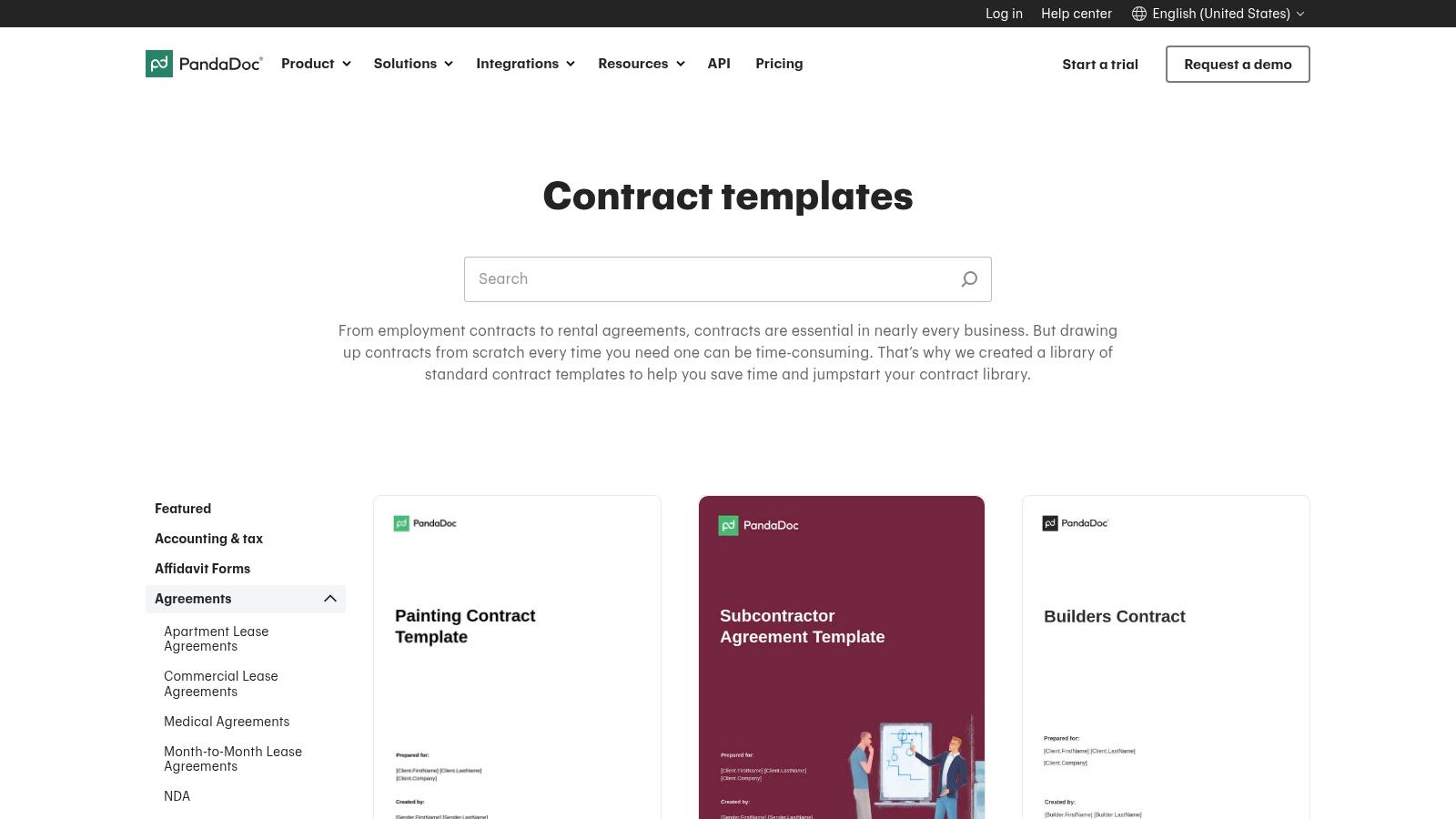
PandaDoc Templates Library is a good fit when you want a broad library of business-ready templates and care as much about sending and signing as you do about drafting. It's especially practical for sales operations, founder-led teams, and SMB legal workflows that move fast but still need a bit of structure.
The appeal is straightforward. You start with a template, edit in-browser, assign roles, comment internally, and send for signature without exporting through multiple tools. For a simple sample letter contract agreement, that cuts out a lot of friction.
Best use case
PandaDoc works best for routine documents where speed matters more than deep legal process. Think service letters, contractor agreements, mutual NDAs, and commercial addenda that don't require heavy fallback playbooks or repository analytics.
It also sits in a useful middle ground between static forms and full CLM. If your team is still deciding between standard templates and heavily customized drafting, this article on contract templates vs custom contracts frames the operational difference well.
A template library saves time only if the approved language stays controlled. If every rep clones and edits a “final-final-v3” version, the library stops being a control point.
Where PandaDoc is less compelling is downstream contract intelligence. It helps you create and execute agreements. It's not the tool I'd choose first if your priority is post-signature obligation management, repository-wide clause analysis, or legal ops reporting across the portfolio.
What to watch
- Strong for execution: Built-in editing, approvals, and eSignature keep short-form agreements moving.
- Good for commercial teams: Sales and revenue teams usually adopt it quickly.
- Feature gating matters: More advanced workflow and integration features sit on higher tiers.
- Template volume isn't everything: A large library helps, but governance still depends on how your team manages approved versions.
For organizations that need a faster alternative to emailing Word documents around, PandaDoc is a practical step forward. For organizations building enterprise-grade contract operations, it may become a stepping stone rather than the final system.
3. Rocket Lawyer
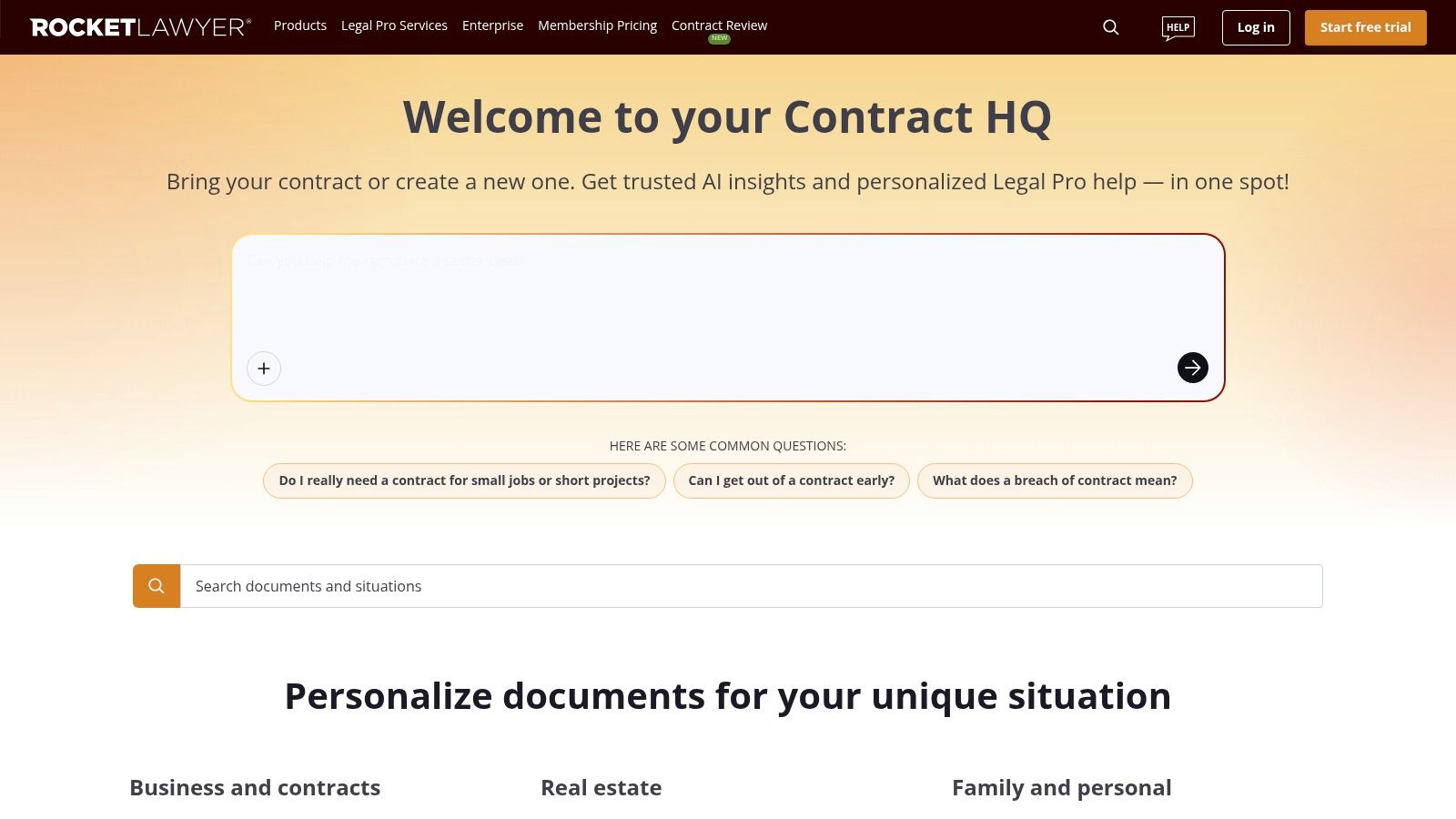
Rocket Lawyer is built for users who want guided drafting and some legal support wrapped into the same experience. That makes it attractive for founders, small businesses, and lean operations teams that need a sample letter contract agreement but don't have in-house legal resources for every routine matter.
The Q&A format is the differentiator. Instead of editing a blank template, users answer prompts and generate a document shaped by those responses. For teams that don't draft contracts often, that's more reliable than starting from a generic file and guessing which clauses matter.
Why teams choose it
Rocket Lawyer is often a sensible option when the business need is broad, not specialized. A company may need a contractor letter this week, a demand letter next week, and a hiring-related document after that. A subscription model with reusable drafting workflows can make sense in that environment.
It also helps users move from “document” thinking to “contract” thinking. That sounds basic, but it matters. If someone in the business sees a letter agreement as just an admin form, they often miss the fact that scope, pricing, acceptance criteria, and termination rights need to be handled with the same care as a longer contract. This overview of what a contract is is a helpful framing device for non-lawyers.
Limits in practice
Rocket Lawyer is not a CLM platform. It helps you generate and sign documents, and it gives users a path toward attorney input, which is valuable. But it doesn't give legal ops teams the same depth in approval orchestration, metadata capture, clause intelligence, or enterprise repository management.
That means it's strongest at the front end of the workflow.
- Good fit for non-specialists: Guided assembly lowers drafting mistakes for occasional users.
- Helpful legal access model: Limited attorney support can be useful where in-house counsel isn't available.
- Less built for scale: High-volume procurement, sales contracting, and legal ops reporting usually need more structured systems.
- Subscription value depends on usage: It makes more sense when your team produces documents regularly.
If your use case is “create it correctly and get it signed,” Rocket Lawyer can be enough. If your use case is “create, approve, track, analyze, and renew at scale,” it won't be.
4. LawDepot
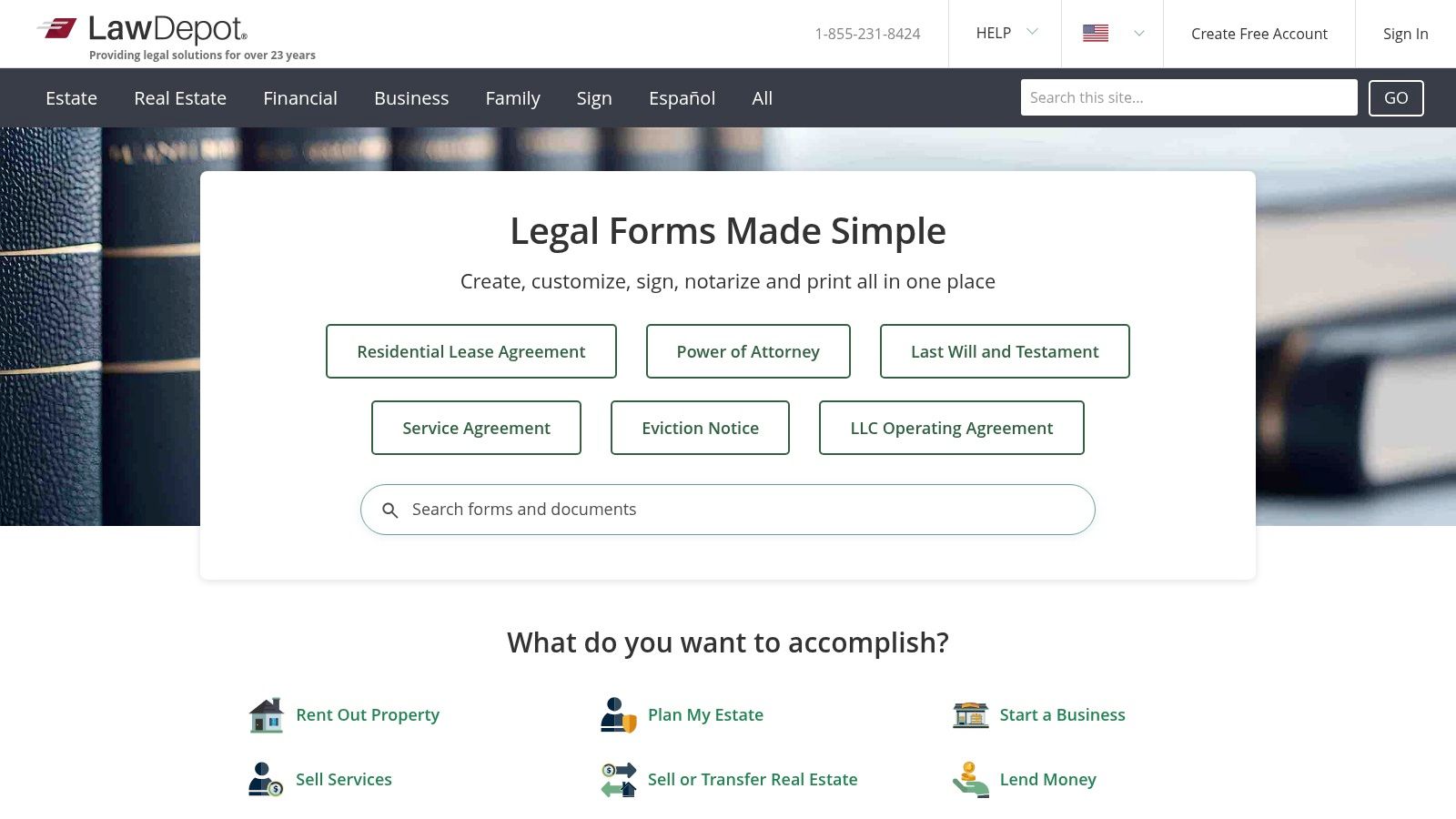
LawDepot is one of the more practical self-serve options for users who want guided form assembly and the flexibility to download documents into Word or PDF. For many small teams, that's still the working reality. They need a decent sample letter contract agreement, they need it quickly, and they need the ability to edit offline.
Its wizard-based flow is useful because it narrows the drafting path. Instead of dumping users into a blank form, it asks for the business facts and builds from there. That lowers the chance that someone forgets core terms like effective date, payment setup, or party identification.
The operational trade-off
LawDepot fits teams that still work in document-centric processes. You generate the draft, export it, revise it, and then manage approvals and signatures elsewhere. That's workable, but it introduces handoff risk. Once the file leaves the platform, version control becomes your problem.
That matters because small agreements often rely on very specific thresholds and timing rules. One institutional example is Columbus State Community College's personal services agreement template, which uses a $2,500 cap for certain low-dollar or short-term engagements. The broader lesson isn't that every company should use that threshold. It's that even short-form agreements work better when the business rules are explicit.
Short letters fail when teams assume “everyone knows what we meant.” If the service limit, timeline, or payment trigger matters, put it in the document.
Where it fits in a CLM stack
LawDepot works as a drafting source, not as a full system of record. For some teams, that's fine. They may draft in LawDepot, redline in Word, sign through an eSignature platform, then archive in SharePoint or a CLM.
That patchwork works only if someone owns governance.
- Flexible access: Good if you want one document, a short trial, or a broader subscription.
- Useful offline editing: Word and PDF downloads are practical for counsel review.
- Workflow gaps remain: Approvals, analytics, and repository management require other tools.
- Renewal discipline matters: Trial and subscription transitions need active oversight.
If your contracting process is still mostly manual, LawDepot is a respectable drafting utility. It just doesn't solve the operating model around the document.
5. Law Insider
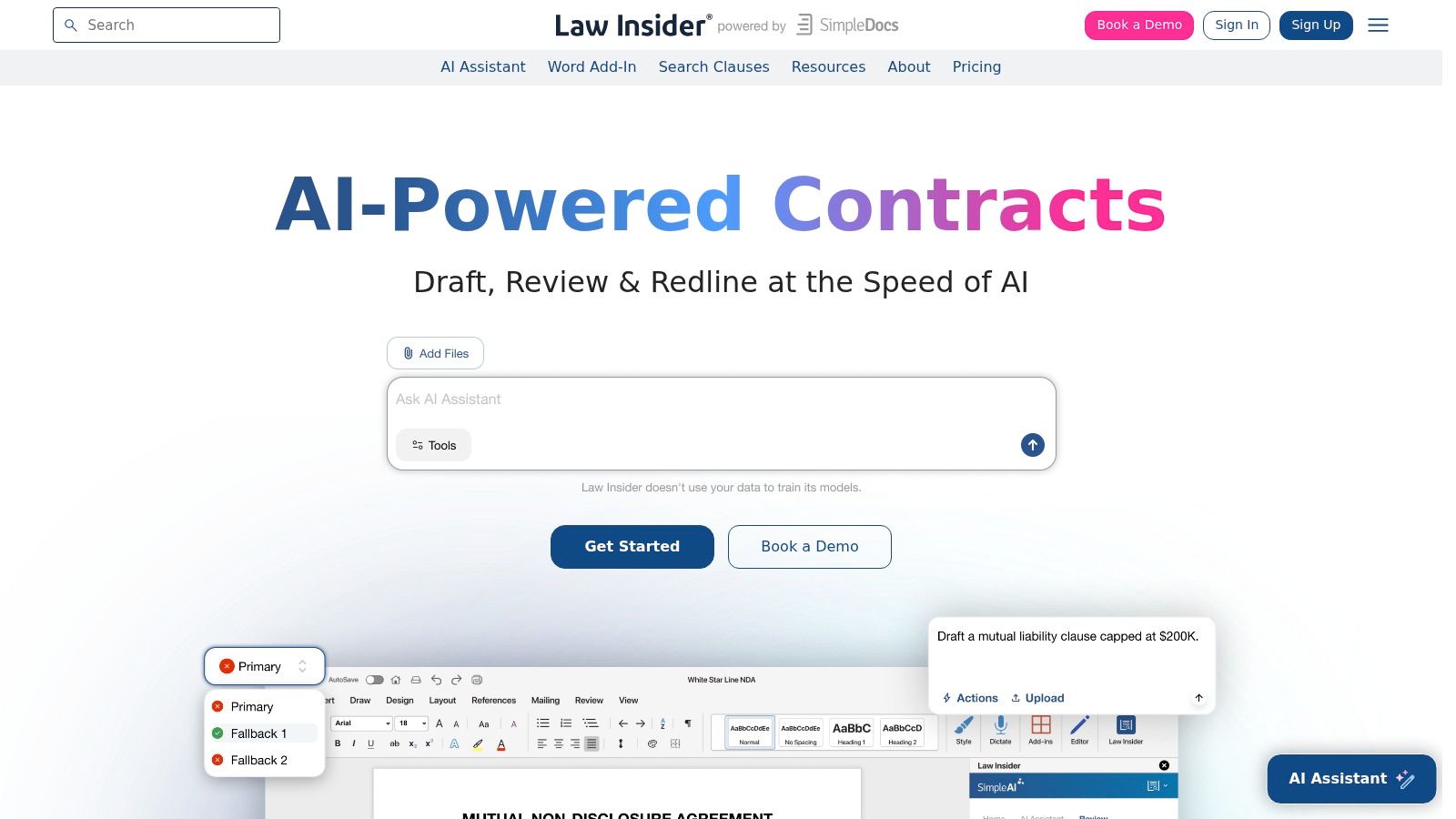
A common scenario in legal ops is a stakeholder asking for a “simple contract letter” after key business terms are already in email. The risk is not the format. The risk is pulling weak clause language into a document that will later govern payment, confidentiality, termination, or ownership. Law Insider is useful at that stage because it gives teams access to market-tested clause language and precedent, not just blank forms.
That makes it a different kind of resource from a template library. It helps legal, procurement, and contract managers pressure-test the wording inside a sample letter contract agreement before that language becomes standard paper.
I use tools like this when the question is specific. How do peer companies define acceptance? What termination phrasing gives the business flexibility without making the clause one-sided? What fallback language is still commercially reasonable if a vendor rejects the first draft? Law Insider is strong for that kind of clause research, especially when teams are building approved positions for recurring deals.
The operational point matters just as much as the drafting point. A study on construction contracting linked project failure to insufficient documentation and poor handling of contractual provisions, while also noting that pre-approved clause libraries and standardized templates for recurring scenarios can cut contract creation time significantly, as discussed in this construction contract documentation study. That aligns with what procurement teams see in practice. Better clause standards reduce rework, speed legal review, and make negotiation patterns easier to track.
From a CLM perspective, Law Insider works best as an upstream intelligence layer. Teams can use it to refine fallback clauses, then route approved language into playbooks, intake forms, and automated templates inside a CLM workflow. If your team is formalizing that process, this guide on how to write a contract that is clear enough for approval and automation is a useful companion.
Where it fits best
Law Insider is not the fastest option for a founder who needs a one-page services letter in twenty minutes. It is better suited to organizations that negotiate often enough to care about clause positions, drafting consistency, and downstream analysis.
- Best for clause benchmarking: Useful for comparing real-world language on payment terms, confidentiality, assignment, and termination.
- Helpful for standardization: Supports the creation of approved clause banks that can feed CLM templates and review workflows.
- Works well with counsel drafting habits: Word-based drafting and redlining remain practical.
- Less convenient for one-off SMB documents: It is not built as a quick template-complete-sign tool.
For legal ops teams, the value is straightforward. Law Insider helps improve the words before they enter the system. Your CLM or repository then handles approvals, signature, obligations, and reporting after those words are approved.
6. eForms
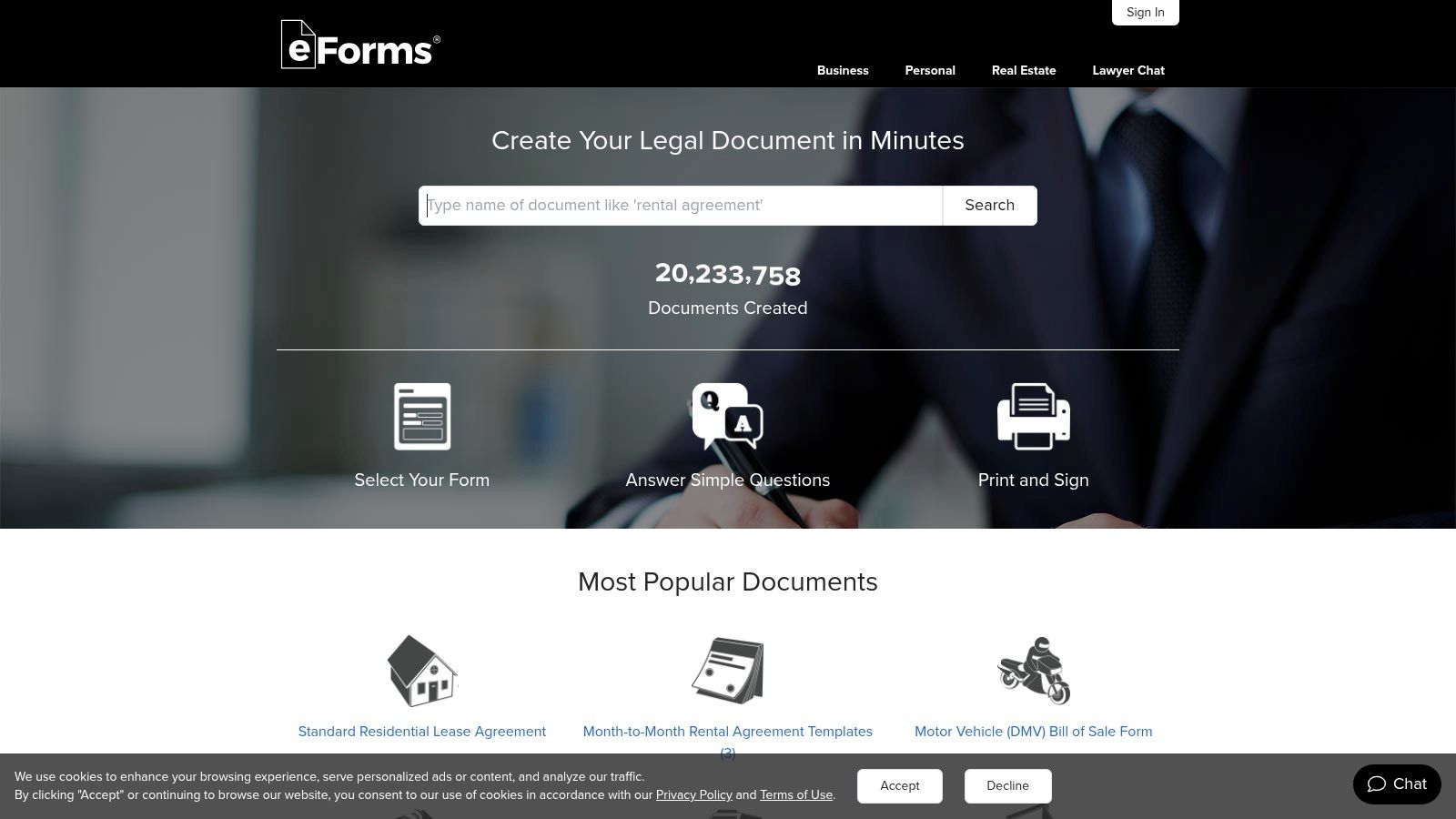
eForms is the practical choice when you need a fast, jurisdiction-aware starting point and don't need a lot of workflow sophistication. Small businesses use it because the value proposition is simple. Find the form, customize it, export it, move on.
That simplicity is both the strength and the limitation. For a basic sample letter contract agreement, eForms can save time. For a managed enterprise workflow, it leaves too much work outside the system.
Strong for quick starts
eForms is useful for standard business documents that need state-aware alignment and easy editing in Word or PDF. If procurement needs an independent contractor form, operations needs a service agreement, or a founder needs a simple business letter, it provides a practical starting layer.
Where teams get into trouble is assuming the starting layer is enough. Procurement leaders have moved well beyond that. One industry study found that 80% of procurement leaders use AI for contract-related tasks, and 77% use AI specifically to track and manage supplier contractual commitments. That reflects a shift from document creation to ongoing contract operations.
If your process ends at signature, you're only managing half the risk. The real work often starts with obligations, notice dates, and renewals.
Practical fit
eForms works well as an intake-stage drafting source. It doesn't replace CLM, contract intelligence, or structured approval workflows.
Use it when:
- You need a fast baseline: Good for standard forms and letters with low complexity.
- Your team edits offline: Word and PDF export fit traditional review habits.
- You already have another system: Best when paired with separate redline, eSignature, and storage tools.
- You don't need deep analytics: Not the right platform for clause mining or portfolio reporting.
For SMBs with light legal process, eForms is efficient. For enterprise teams, it's usually one component in a larger contract technology stack.
7. Wonder.Legal (U.S.)
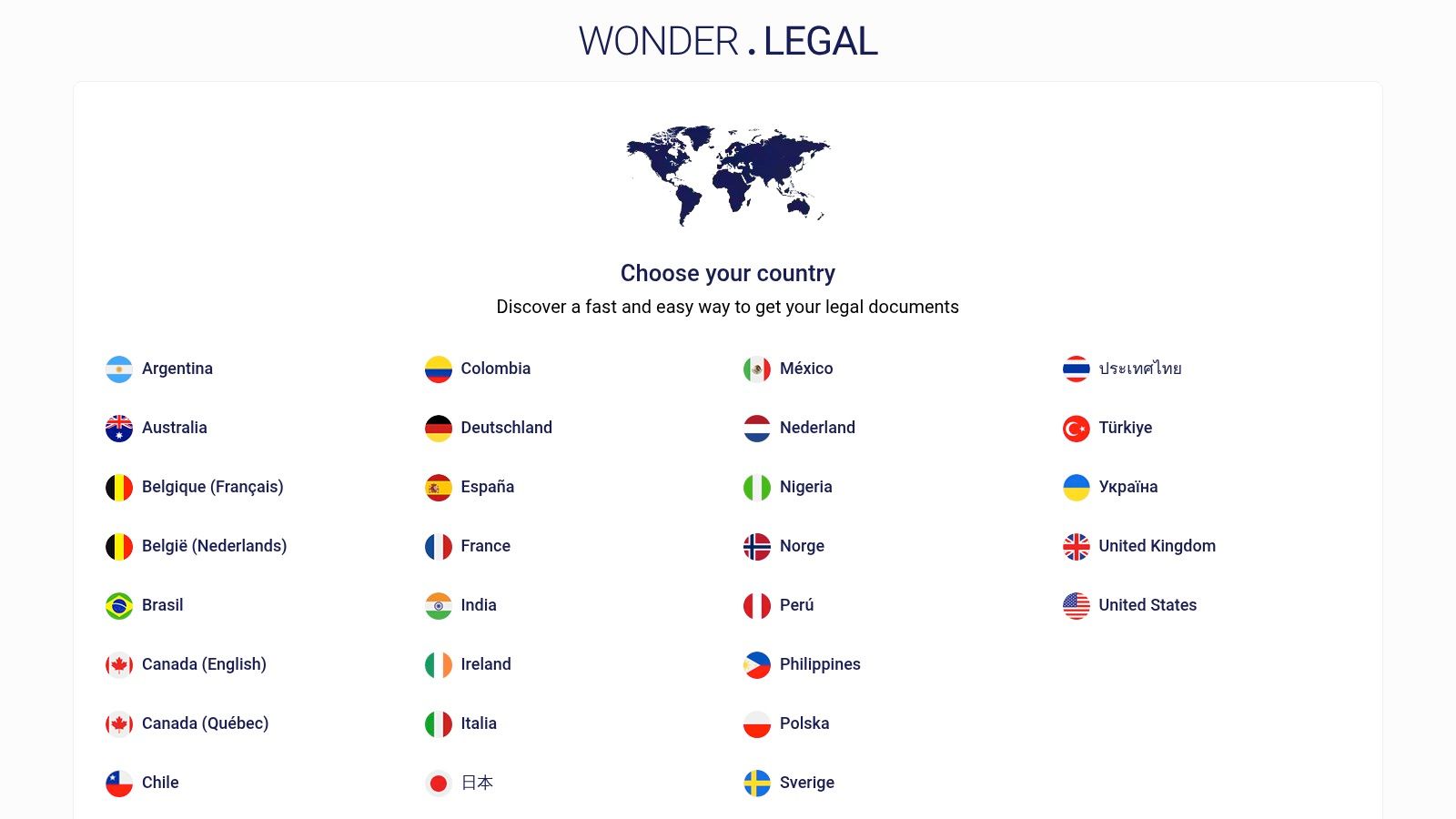
Wonder.Legal (U.S.) is a sensible option for buyers who prefer paying per document instead of subscribing to a platform. That purchasing model matters more than people think. Some teams only need occasional letters, notices, or agreements, and a recurring software subscription doesn't pencil out.
The guided assembly is clean and approachable. Users answer scenario-based questions, generate the draft, and download it in common formats. For occasional business users, that's often more comfortable than a full legal tech interface.
Best for occasional use
Wonder.Legal is strongest when volume is low and the business need is narrow. A founder might need a consulting letter now, a formal notice later, and nothing else for months. In that situation, pay-as-you-go access is easier to justify than a broader CLM investment.
The risk, though, is that users may still underestimate how binding these “simple letters” can become. Ambiguity around services and next-step obligations is where many short agreements go sideways. For a solid practical foundation, this guide on how to write a contract is worth pairing with any ad hoc template purchase.
Where the model breaks down
Wonder.Legal isn't built for collaborative enterprise workflows. If multiple stakeholders need to review, approve, negotiate, sign, and then monitor the agreement, you'll need other systems around it.
That matters because the market is moving toward AI-supported contract operations. Research projects that the AI in contract management market will reach USD 4.25B by 2030, up from USD 1.86B in 2026, growing at a 22.9% CAGR. The takeaway isn't hype. It's that contract management is becoming a system discipline, not just a document task.
- Good for low volume: Pay only when you need a document.
- Approachable drafting: Guided prompts help non-lawyers create usable agreements.
- Limited team workflow: Collaboration, routing, and repository controls are minimal.
- Costs scale with usage: Frequent drafting can make per-document purchasing inefficient.
Wonder.Legal works well for occasional needs. It works poorly as a long-term operating model for active legal, procurement, or sales teams.
Sample Letter Contract Agreement, Top 7 Comparison
| Product | 🔄 Implementation Complexity | ⚡ Resource Requirements | ⭐ Expected Outcomes | 💡 Ideal Use Cases | 📊 Key Advantages |
|---|---|---|---|---|---|
| Legitt AI | Medium–High, setup, integrations, governance required 🔄 | Moderate–High, IT, admin, legal oversight; scalable for enterprise ⚡ | ⭐⭐⭐⭐, faster drafting & closes; stronger contract intelligence | Enterprises needing end-to-end CLM, CRM automation and compliance 💡 | 📊 AI drafting + review, deep integrations, enterprise security, repository insights |
| PandaDoc Templates Library | Low–Medium, quick start; integrations add steps 🔄 | Moderate, browser-based seats; Business tier for CRM/features ⚡ | ⭐⭐⭐, fast template use, smoother approvals & e-sign | Sales teams and SMBs that need ready-to-send, collaborative docs 💡 | 📊 Integrated editor + e-sign, clear pricing tiers, collaboration workflows |
| Rocket Lawyer | Low, guided Q&A; optional attorney services add complexity 🔄 | Low–Medium, subscription; pay more for attorney consultations ⚡ | ⭐⭐⭐, personalized documents with optional legal help | Individuals or SMBs wanting documents plus access to attorneys 💡 | 📊 Guided drafting, membership-based attorney access, published pricing |
| LawDepot | Low, wizard-driven drafting and downloads 🔄 | Low, pay-per-doc or subscription options; minimal IT needs ⚡ | ⭐⭐⭐, jurisdiction-aware forms for offline use | Users needing single-doc purchases or flexible subscription access 💡 | 📊 Flexible purchase models, state-aware templates, downloadable files |
| Law Insider | Medium, research and Word add-in setup; playbooks required 🔄 | Medium–High, subscription for AI features and large precedent access ⚡ | ⭐⭐⭐⭐, strong clause benchmarking and market-language insight | Legal teams benchmarking clauses and creating market-standard templates 💡 | 📊 Massive precedent database, clause search, Word integration |
| eForms | Low, simple editor and export; minimal onboarding 🔄 | Low, straightforward subscription or single-doc access ⚡ | ⭐⭐, fast, standard state-aligned documents | Small businesses needing quick, standard forms to start drafting 💡 | 📊 Simple pricing, unlimited downloads during subscription, state updates |
| Wonder.Legal (U.S.) | Low, wizard-driven, pay-as-you-go assembly 🔄 | Low, per-document fees; no subscription required ⚡ | ⭐⭐, affordable single-use templates with guided creation | Users who prefer buying occasional documents without subscribing 💡 | 📊 Clear per-document pricing, guided assembly, downloadable formats |
From Templates to a System: Automating Your Agreements
Finding a good sample letter contract agreement is the first step, not the last. The bigger gains come when you stop treating these documents as isolated files and start managing them as part of a contract lifecycle. That means approved templates, structured intake, AI-assisted review, approval routing, eSignature, searchable storage, and post-signature tracking.
This shift matters because short-form agreements create the same operational issues as long-form contracts. Someone still needs to confirm approved language, check authority, track versions, route signers, and remember notice dates. If that work happens through inboxes and shared drives, the process stays fragile even when the document itself looks fine.
The strongest modern setup is a CLM model that connects drafting with execution and analysis. A platform like Legitt AI fits that model well because it combines template-based drafting, AI contract review, approval workflows, eSignatures, repository management, renewals, obligation tracking, and contract intelligence in one place. For legal ops, procurement, and sales teams, that reduces copy-paste work and makes the contract process visible.
A practical workflow looks like this:
- Centralize templates: Keep approved letter agreements in one governed library so teams don't reuse outdated versions.
- Automate drafting: Use AI-powered contract automation to generate first drafts from business inputs instead of editing old files.
- Route approvals intelligently: Send agreements through role-based approvals based on contract type, spend, risk, or business unit.
- Integrate with business systems: Connect CLM with CRM, procurement, and productivity tools so data flows cleanly from request to signature.
- Track obligations after signing: Store executed agreements in a searchable repository and monitor renewals, milestones, and commitments.
That's where return on investment usually shows up. Time savings from drafting are useful, but the bigger value often comes from fewer missed renewals, fewer approval delays, better compliance, and less time spent hunting for the final signed version. For teams scaling contract volume, contract intelligence and contract analytics become just as important as the template itself.
A few common questions come up repeatedly. A letter agreement is usually shorter and more targeted than a formal long-form contract, but it can still be binding if it contains the material terms and reflects clear intent. AI can help review an incoming contract letter by flagging missing clauses, deviations from preferred language, and obligation dates, though legal review still matters for nuanced or high-risk matters. And yes, a digitally signed letter agreement is generally treated seriously in business workflows, especially when the process captures approval, authentication, and final execution records.
If you're evaluating platforms, it also helps to review the core contract management software features that support real enterprise workflows rather than just document storage.
If your team is still relying on scattered templates, email approvals, and manual signature follow-up, Legitt AI is worth a serious look. It gives legal, procurement, sales, and operations teams a practical way to draft, review, negotiate, eSign, store, and track agreements in one AI-native CLM workspace, so a simple letter agreement doesn't turn into a hidden compliance or workflow problem later.