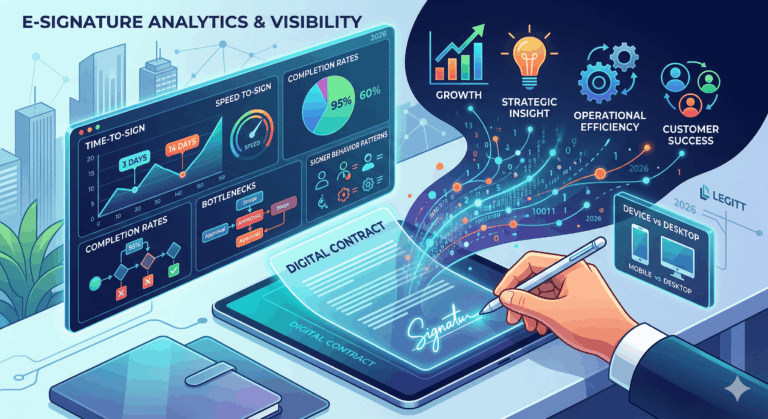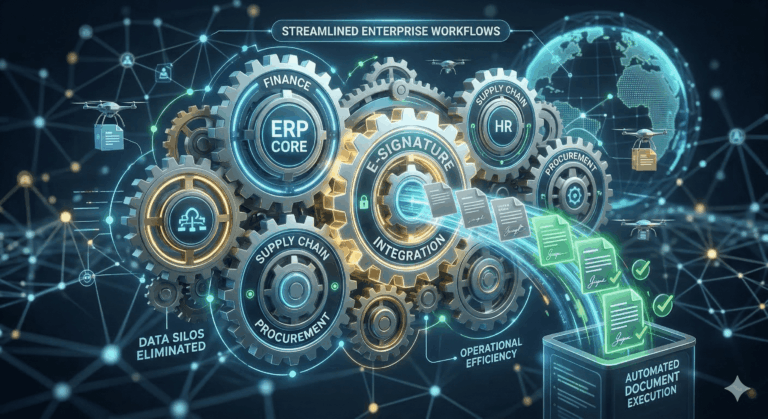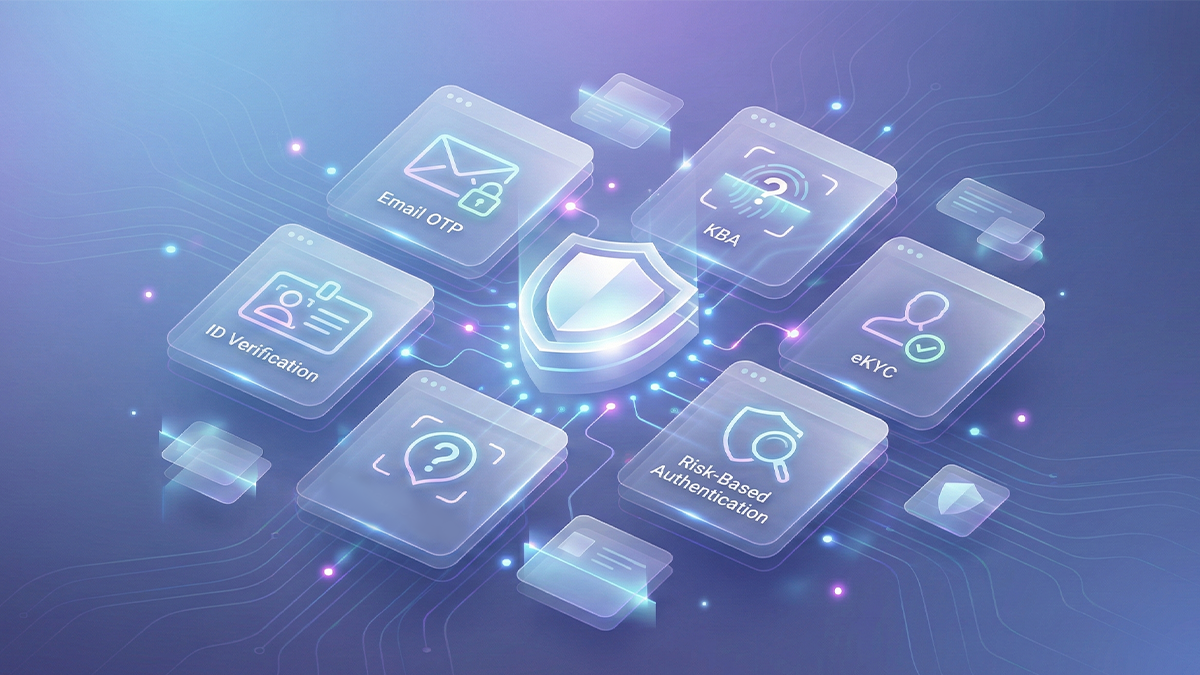
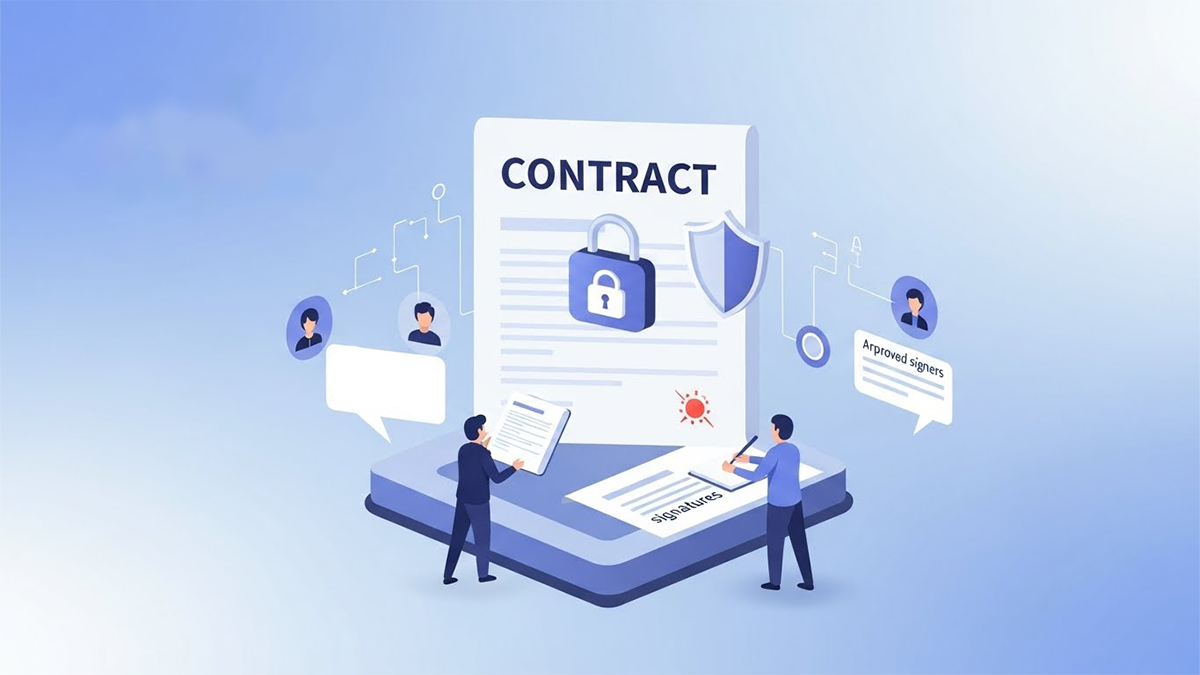
AI can’t magically make contracts “unhackable,” but it can dramatically reduce the risk of unauthorized edits during signing by monitoring document integrity, detecting content changes, and flagging anything that deviates from the approved version before signatures are completed. When combined with proper eSignature, access control, and audit trails, AI becomes a powerful layer of protection that helps you ensure that what gets signed is exactly what was approved. An AI-native contract platform like Legitt AI (www.legittai.com) can lock and fingerprint documents, monitor every version, and use intelligent checks so unauthorized edits are detected and blocked instead of slipping through unnoticed.
This article explains what “unauthorized edits during signing” actually means, how traditional tools handle integrity, where AI adds real value, and how to implement a practical, AI-assisted protection layer in your contract workflow.
1. What do “unauthorized edits during signing” really mean?
Unauthorized edits during signing happen when the content of a contract is changed after final approval but before (or even while) parties are signing – and those changes were not explicitly reviewed or authorized. This can occur through:
- A last-minute change in a clause buried in the middle of the document.
- A “re-uploaded” file with slightly altered terms.
- Version confusion where people sign an older or modified copy instead of the approved one.
- Malicious tampering in extreme cases, but more often simple process errors.
The business risk is the same: parties may be bound to terms they did not intend to agree to, and it can be difficult to prove which version was “meant” to be signed. AI helps by continuously comparing, validating, and flagging differences so those surprises never make it to a final signature.
2. How do traditional eSignature tools protect document integrity – and where do they fall short?
Most serious eSignature platforms already have strong technical protections:
- Once a PDF is uploaded and sent for signature, its contents are typically locked.
- The platform generates cryptographic hashes and certificates to show that the signed file has not been altered after signing.
- Any post-signature change usually invalidates the signature or generates a new version.
However, there are important gaps:
- If a different file is uploaded right before sending, the system might treat it as the “correct” version without question.
- If teams are not disciplined, they may export, edit, and re-upload documents across tools and email, creating room for unnoticed changes.
- The system can prove that the final signed PDF was unchanged after signing, but it does not always tell you whether the content matches the internally approved version.
This is where AI adds value – not by replacing cryptography, but by checking that the document being signed is the right one.
3. How AI “fingerprints” content, not just files
AI lets you move beyond file-level checks (hashes) to content-level fingerprints:
- It can create a structured representation of a contract: clauses, sections, key numbers, parties, dates, risk terms.
- It can compute semantic “signatures” for each clause – what the clause means, not just the exact words used.
- It can store an approved version’s fingerprint and compare future versions against it.
When a document is sent for signature, the AI compares the “about to be signed” version to the last approved version:
- If there’s any change in critical clauses (liability, indemnity, pricing, term, termination, IP, etc.), it flags a deviation.
- It can distinguish harmless edits (formatting, minor wording) from materially significant changes.
- It can require explicit re-approval by legal or business stakeholders before allowing signatures to proceed.
An AI-powered platform like Legitt AI (www.legittai.com) can thus ensure that the contract content is authorized, not just that a PDF file is technically intact.
4. AI-assisted “document locking” before signature
In a well-designed workflow, you do not just send any document for signature; you:
- Finalize and approve the contract internally.
- “Lock” that version logically as the signing master.
- Allow only controlled actions (e.g., signature fields placement) after that point.
AI enhances this process by:
- Automatically generating a baseline snapshot when the contract status changes to “Approved for Signature.”
- Monitoring any edits after that status change, including small text edits, reformatting, or re-uploads.
- Alerting users if a “locked” document appears to have changed, and requiring an explicit status reset to “In Review” if a real change is needed.
This prevents quiet, accidental (or intentional) modifications slipping in between approval and signing, because any modification becomes an explicit event, not a silent side-effect.
5. Detecting subtle, high-risk changes that humans might miss
Humans are good at spotting obvious edits (a 12-month term changed to 60 months), but high-risk changes are often subtle, such as:
- Adding a single word like “sole” to an IP ownership clause.
- Modifying indemnity from “arising from” to “directly arising from.”
- Changing “including without limitation” to “including but not limited to” or vice versa.
- Tweaking a termination for convenience clause to add a long notice period.
AI can analyze contracts at clause and phrase level, comparing:
- Wording patterns against your standard clause library.
- Current draft versus last approved draft.
- Risk scores for each clause before and after changes.
When something materially alters risk, AI can flag it in plain language:
“The indemnity clause in Section 10 was narrowed significantly compared to the approved version; this change reduces your protection against third-party claims.”
This kind of explanation is critical for busy legal and business reviewers during the final signing stage.
6. Watching the whole signing workflow – not just the document
Unauthorized edits are not only about text. They also involve:
- Changing the order of signers.
- Adding or removing signers without approval.
- Changing roles (e.g., signer vs approver vs CC).
- Changing key metadata (effective dates, contract labels, or deal values).
AI can monitor the signing workflow itself, and:
- Compare the configured signers to the approved stakeholder list.
- Detect unusual patterns (e.g., a new external signer added at the last minute).
- Raise alerts if approvers are bypassed or if a new “version” is created without going through normal review.
This end-to-end view helps ensure that integrity is preserved not only in the document, but in the signing process.
7. Audit trails, explainability, and dispute defense
If a dispute arises, the question is not only “What does the final contract say?” but also “How did we get there?” AI and structured workflows provide:
- A complete timeline of drafts, approvals, and status changes.
- A record of which version was designated as “Approved for Signature.”
- Logs of any post-approval edits, along with AI risk flags and human decisions.
This helps you:
- Demonstrate that you had controls in place to prevent unauthorized edits.
- Explain exactly when and why any permitted changes occurred.
- Show that signatories were presented with the correct version at the time of signing.
AI also helps generate human-readable reports summarizing changes between the approved and signed versions, which can be invaluable for internal review or external disputes.
 Hi, What do you want to Draft?

Click to upload or drag & drop
pdf, docx up to 5 MB
Click to upload or drag & drop
pdf, docx up to 5 MB
8. How to implement AI-assisted protections in your organization
You do not have to rebuild your stack from scratch. A practical adoption path looks like this:
8.1 Centralize contracts and versions
First, ensure that all contract drafting and versioning happens in a controlled system, not across scattered Word files and email. That central source becomes the reference point for AI.
8.2 Define “critical clauses” and approval checkpoints
Work with legal to define:
- Which sections are “high-risk” and require extra scrutiny.
- What status change means “Approved for Signature.”
- When the system should block signing and force re-approval.
AI can then prioritize change detection and alerts around those areas.
8.3 Integrate with your eSignature provider
Connect your contract management and AI layer to your eSignature system so:
- Only approved versions can be pushed into signing.
- Any attempt to re-upload or modify the document triggers AI diffing and alerts.
- Signing workflow changes are logged and checked against your rules.
8.4 Tune alerts and workflows
Start with conservative settings that flag all changes in critical areas. As you build confidence, you can:
- Automate “green paths” where no material change = auto-proceed.
- Escalate only high-impact changes to senior reviewers.
- Use AI risk scoring to focus attention on truly important deviations.
9. Limits and realities – what AI cannot guarantee
Even the best AI system cannot absolutely guarantee that no unauthorized edit is ever attempted. What it can do is:
- Make unauthorized changes much harder to perform undetected.
- Dramatically reduce reliance on human memory, manual diffing, and eyeballing.
- Provide strong evidence of due diligence and controls if something slips through.
You still need:
- Good access controls and permissions.
- Clear internal policies about who can approve what.
- Proper cryptographic eSignature and platform security.
AI is a powerful additional control, not a replacement for core security and governance.
Read our complete guide on Contract Lifecycle Management.
FAQs
Does AI completely prevent unauthorized edits, or just detect them?
AI primarily detects and blocks unauthorized edits by monitoring content and workflow changes, rather than physically preventing every possible edit. It continuously compares the version approved for signature with the version being sent or signed, flags differences, and can enforce rules that stop signing until changes are reviewed. In combination with platform permissions and eSignature locking, this drastically reduces the chance of unnoticed tampering. However, like any control, it is part of a layered defense, not a guarantee of perfection.
How is AI better than just using a PDF lock or “print to PDF” before signing?
PDF locking ensures that a specific file is not altered after creation, but it does not verify that the file content matches your approved draft. AI works at a higher level – it understands the contract structure and clauses and compares content across versions. It can see if a pricing table changed, if a liability cap was modified, or if a new clause was inserted, even if both are valid PDFs. This gives you protection against subtle changes that file-level protections alone cannot address.
Can AI distinguish between trivial edits and material changes?
Yes. AI can classify changes based on where they occur and what they affect. For example, a small formatting change or typo correction can be treated as low-risk, while modifications in pricing, term length, liability, indemnity, IP ownership, or termination rights are treated as high-risk. You can configure which sections are “critical,” and AI can also learn from your past decisions to tune its risk scoring. This helps avoid alert fatigue while still catching important deviations.
What happens if we need to make a last-minute change before signing?
Legitimate last-minute changes are common. In an AI-assisted system, making such a change automatically moves the contract back into an editable or “In Review” state and invalidates the previous “Approved for Signature” snapshot. AI then records the change, re-analyzes the contract, and may require the appropriate approvers (e.g., legal, sales leadership, finance) to re-approve. Once re-approved, a new content fingerprint becomes the reference for signing. This ensures flexibility without sacrificing control.
How does AI handle redlines and negotiation edits before final approval?
During negotiation, frequent edits are expected and desirable. AI is still useful here – it can summarize redlines, highlight risk-increasing changes, and compare counterparty language with your standard positions. However, the strict “no unauthorized edits” control typically becomes fully active only after a version is marked as “internally approved” and ready for signature. Before that, AI helps reviewers, but after that, AI enforces integrity around the approved draft.
Can AI monitor who changes the signer list or signing order?
Yes. AI can track workflow-level changes such as adding or removing signers, changing roles (e.g., signer vs approver), or altering the signing order. You can define rules – for example, “Any change to external signers must be approved by the deal owner” or “Legal must approve removal of a previously required internal approver.” AI can then flag deviations from these rules, block automatic progression, and require explicit confirmation before the document moves forward.
Does this require us to move all drafting into one platform?
For the highest level of control, it is best if drafting, approvals, and signing are centralized or at least integrated. If contracts are drafted in many different tools and passed around via email, it is harder for AI to maintain a continuous, authoritative view. A platform approach lets AI see the entire lifecycle and compare the version approved in the system with the version sent for signing. You can still export for external collaboration if needed, but centralizing core versions dramatically improves integrity.
How are AI decisions and alerts audited and explained later?
Every AI detection, alert, and decision can be logged, including what changed, how it was classified (minor vs material), and what action was taken (blocked, escalated, overridden). In case of internal review or external dispute, you can reconstruct the full change history, including which changes were raised and how humans responded. Many systems also store human-readable explanations for flagged changes, making it easier for non-technical stakeholders to understand what happened and why.
Is this only relevant for large enterprises, or should smaller companies care too?
Smaller companies are often more exposed because they lack large legal teams and formal processes. A single unnoticed change in a key contract can have outsized impact. AI-based integrity checks help startups and SMBs get “enterprise-grade” safeguards without hiring large legal or operations teams. As they grow, the same controls scale naturally to larger volumes and more complex approval chains.
How do we get started with AI-assisted protection against unauthorized edits?
A sensible starting point is to identify a few high-impact contract types (e.g., MSAs, large SOWs, key vendor agreements) and move their drafting and signing into an AI-aware contract platform. Configure your “Approved for Signature” status, define critical clauses, and turn on AI diffing between approved and signing versions. Monitor the alerts generated, refine your rules and thresholds, and gradually extend coverage to more contract types. Over time, AI becomes an integral part of your control framework, quietly ensuring that what gets signed is truly what was approved.